
Levels of Offsetting in AutoCAD (Noob vs. Pro) 📐
Jul 16, 2026

Are you still drawing concentric offsets the beginner way?
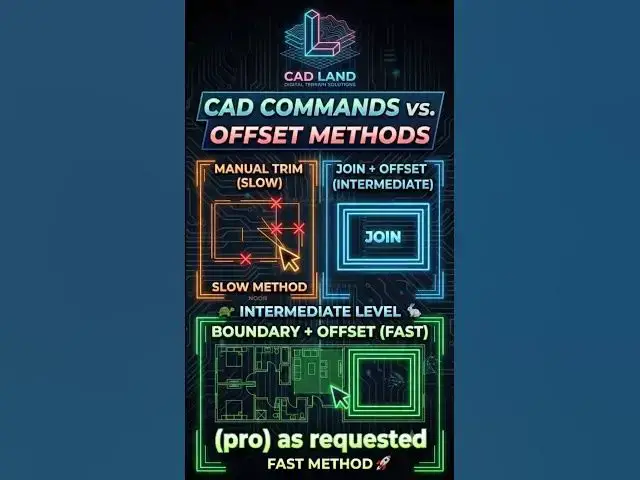
This video compares 3 levels of AutoCAD drafting efficiency:
🔴 Level 1: Offsetting single lines and manually trimming the overlapping corners (Slow).
🟡 Level 2: Merging lines using the JOIN command, then offsetting them inward (Fast).
🟢 Level 3 (PRO): Using the BOUNDARY command inside a complex floor plan to create instant closed polylines and offsetting the entire space in 1 click (Instant).
Stop doing manual work. Work smart, draft fast.
👇 Which AutoCAD level are you? Comment "Level 1", "Level 2" or "Level 3"!
🔔 Subscribe to CAD Land for daily CAD hacks and professional tutorials.
#AutoCAD #CADLand #CADShortcuts #OffsetCommand #JoinCommand #BoundaryCommand #Engineering #Architecture #Drafting
Show More Show Less