
Isolate Selected Objects in AutoCAD with ISOLATEOBJECTS
Sep 5, 2026

Still hiding layers one by one just to focus on a few objects?
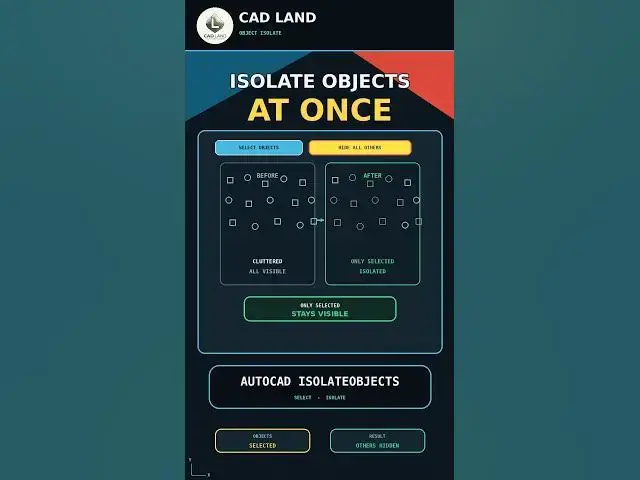
The AutoCAD ISOLATEOBJECTS command hides everything except the objects you select — no layer gymnastics, no affecting whole layers. In this video we isolate a few elements in a busy plan.
In this video, you'll learn:
• How to select the objects you want to keep visible
• How to hide objects manually by freezing layers one by one
• How to use ISOLATEOBJECTS to hide everything else in one step
• How to bring everything back with UNISOLATEOBJECTS
Manual workflow:
Select Objects → Freeze Layers One by One → Repeat
Faster workflow:
AutoCAD ISOLATEOBJECTS → Select → Only Selected Stay Visible
This video uses AutoCAD 2021 with centimeters as the drawing unit.
If this saved you time, subscribe for a new command every day.
LINKS
🛠️ The YQArch plugin (free) and the full CAD command PDF are both available to download on our site: https://cadland.pages.dev
Full tutorials: @CADlandSS
TikTok: @cad.land
Instagram: @cadland_tutorial
#AutoCAD #CADTutorials #Architecture #Drafting #CADLand
Show More Show Less