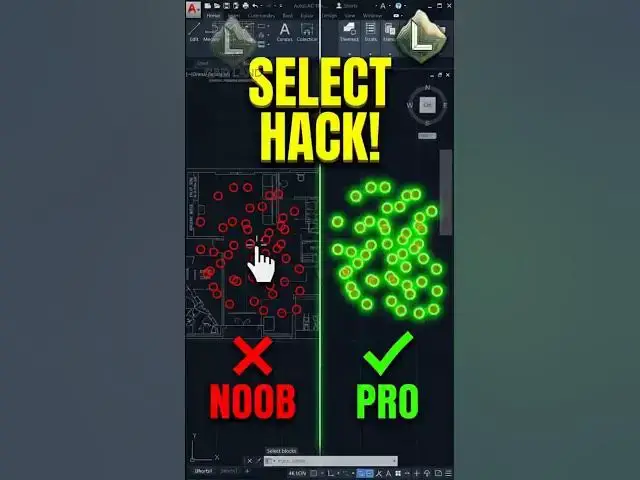

How to Select 100 Similar Blocks in 1 Second (AutoCAD Hack) ⚡
Jul 29, 2026

Are you still panning around your screen and manually clicking dozens of scattered blocks or circles one-by-one in AutoCAD? Stop wasting your clicks and risking mis-selection.
The SELECTSIMILAR command is an absolute lifesaver. By simply selecting just ONE object, right-clicking, and hitting 'Select Similar', AutoCAD automatically analyzes your entire workspace and highlights every matching block or geometry instantly.
Work smart, draft fast.
👇 Did this command save your clicks today? Comment below!
🔔 Subscribe to CAD Land for daily professional AutoCAD hacks.
#AutoCAD #CADLand #CADShortcuts #SelectSimilar #BulkSelection #Drafting #Engineering #Architecture #CADTips #Productivity #Workflow
Show More Show Less