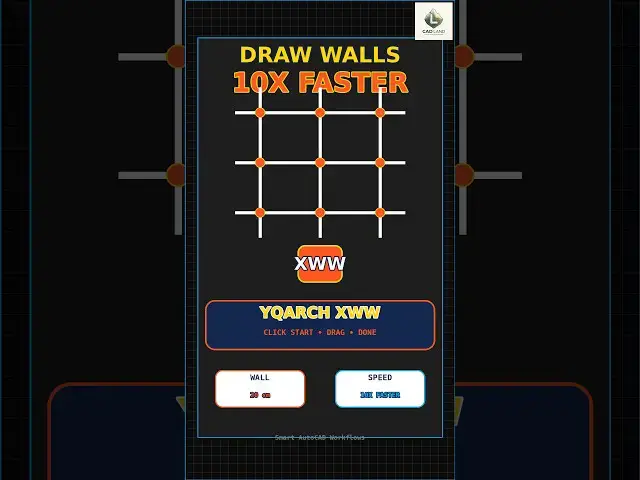

Draw AutoCAD Walls 10x Faster with YQArch XWW
Aug 31, 2026

Still drawing walls with the LINE command in AutoCAD?
The YQArch XWW (Smart Wall) command creates walls 10x faster with automatic thickness.
Example setup:
Wall Thickness: 20 cm
Grid: 50x50 cm
Workflow:
YQArch XWW → Click start point → Drag to end → Wall created with correct thickness
✅ Benefits:
- Automatic 20 cm thickness
- Snap to grid
- 10x faster than LINE command
- Perfect for floor plans
⚠️ This is a YQArch plugin workflow, not a native AutoCAD command.
⚠️ Works best with YQArch layer system.
🔗 Download YQArch Plugin (Free) from our site:
https://cadland.pages.dev/yqarch-install.html
📄 Download FREE AutoCAD Commands Cheat Sheet (PDF) from our site:
https://cadland.pages.dev/CADLand_AutoCAD_Cheat_Sheet.pdf
📌 Always test the command on a copy of your drawing.
🔔 Subscribe to CAD LAND for practical AutoCAD and YQArch architectural workflows.
#AutoCAD #YQArch #SmartWall #AutoCADArchitecture #CADLand #AutoCADTips #Architecture #CADPlugin #Productivity
Show More Show Less