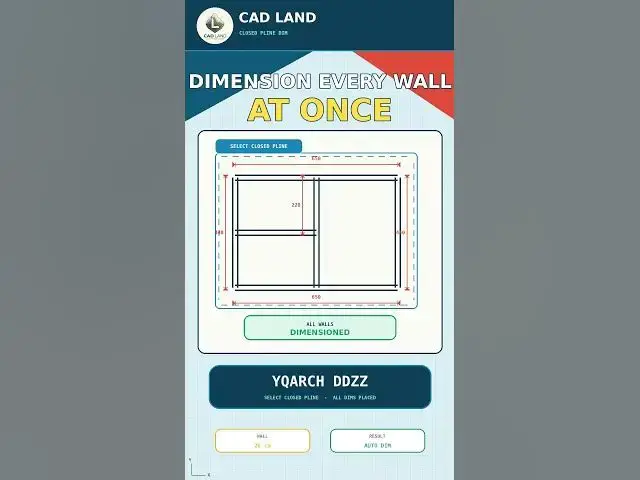

Dimension Every Wall of a Closed Plan at Once with YQArch DDZZ
Sep 1, 2026

Still placing a dimension on every wall of a closed plan one by one?
The YQArch DDZZ (Dim Closed PLine) command reads a closed polyline — like a room or wall loop — and places all its dimensions automatically in a single pick. In this video we also use DDSS (Dim PLine/Lines) and DDWW (Dim of Walls) from the same YQArch dimension family.
In this video, you'll learn:
• How to draw a simple closed wall plan (wall thickness 20 cm)
• How to dimension every wall manually, one by one
• How to select the closed polyline and let YQArch place every dimension at once
• How alignment controls where the dimensions sit
Manual workflow:
Draw Wall → DIMLINEAR → Adjust → Repeat for every wall
Faster workflow:
YQArch DDZZ → Select Closed PLine → All Dimensions Placed
This video uses AutoCAD 2021 with centimeters as the drawing unit.
YQArch is a plugin, not a native AutoCAD command. The interface and available options may vary depending on your installed version, language, selected style, and unit configuration. Always verify every dimension value before saving your project.
If this saved you time, subscribe for a new command every day.
LINKS
🛠️ The YQArch plugin (free) and the full CAD command PDF are both available to download on our site: https://cadland.pages.dev
Full tutorials: @CADlandSS
TikTok: @cad.land
Instagram: @cadland_tutorial
#YQArch #AutoCAD #CADTutorials #Architecture #Drafting #CADLand
Show More Show Less