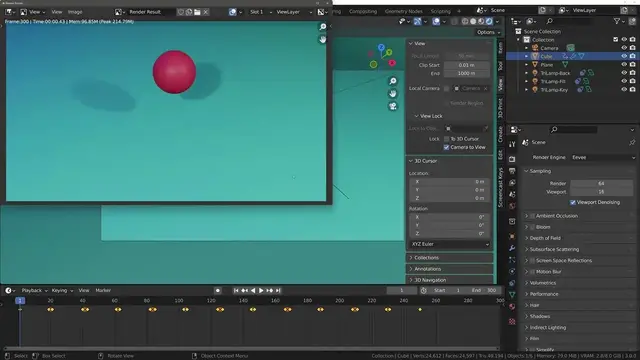

Exporting Your Videos Successfully From Blender After Rendering
May 3, 2022
Creating your own animations in Blender is a rewarding process where you can create your own world and story and then promote it to the world with pride for what you were able to create. But even after finishing your animation, you still need to render it and save the video as an external file.
To export your rendered animation from Blender, you will want to complete the checklist below.
Set The Correct Frame Rate
Define The Resolution Of The Animation
Set Up Your Scene Camera
Choose The Location For Your Render
Set The Start And End Frames Of The Animation
Select The Render Animation Option
After Rendering Make Sure To Preview The Created File To Ensure All Is Correct
It is a relatively simple checklist but each step is important for completing the animation process. Most important will be to ensure that your animation goes to the location that you want it to so that you can locate the file after rendering.
For tutorials and how to guides with Blender 3D, check out our website at
blenderbasecamp.com
Show More Show Less #Computer Hardware
#Software
#Jobs & Education
#Animated Films
#Technical Reference