0:00
XAI just released a new texttospech
0:02
model and it's amazing. It comes with
0:05
five expressive voices, supports up to
0:07
20 plus languages and you can use inline
0:10
tags like whisper, laugh, pause for
0:13
emotional expressions. If you want to
0:15
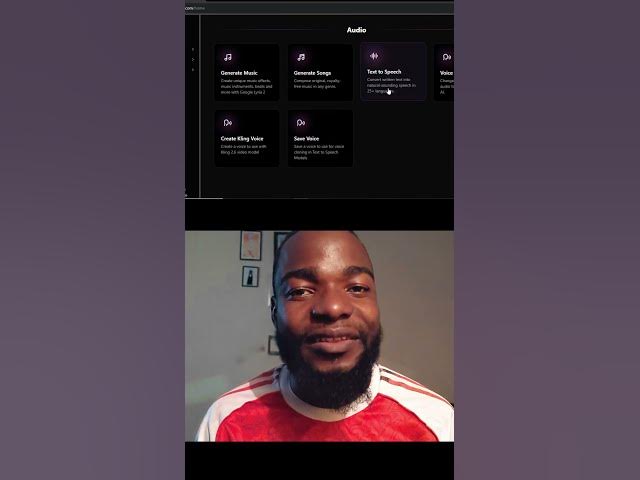
try it, go to learnhive.com, scroll down
0:18
to the audio section and click on text
0:20
to speech. Once you're here, click the
0:22
model drop down and choose xitts. Then
0:25
choose the voice that you want to use.
0:27
Choose the language that you want and
0:29
enter the text that you want to convey
0:31
to speech. Just like that, you get these
0:36
and I can also whisper. I like to hum
0:41
to sing. Oh, this is a beautiful song.
0:48
Okay, you get what I can do. If you want
0:51
to try it, comment the GS below and I'll