0:00
If you want to make videos with amazing
0:02
transitions like this with AI, here's
0:05
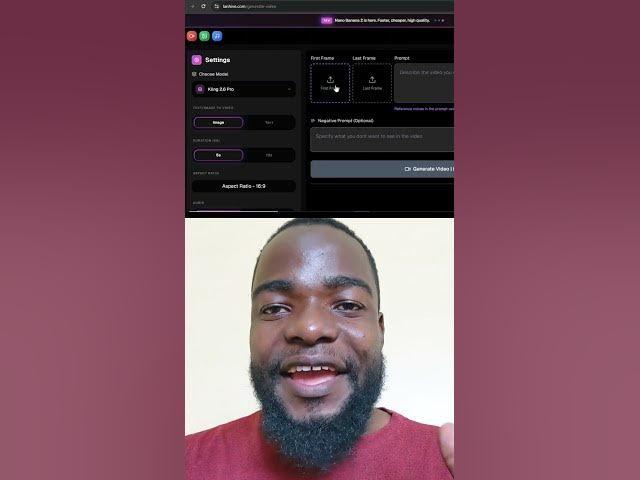
how you can do it. Go to learnhive.com
0:08
and click on create videos. Once you're
0:10
here, click on the choose model
0:12
dropdown. Then choose screen 2.6 Pro.
0:15
Here on the first frame, you can use the
0:17
image that you want to start with. And
0:19
here on the last frame, use the image
0:21
that you want to transition to. Then use
0:23
this prompt to make this transitions.
0:26
For the rest of the setting, you can
0:27
choose the duration that you want. and
0:29
the aspect ratio that you want. Once you
0:31
are happy with your settings, just click
0:33
generate video. This is the result that
0:42
If you want to try it, comment in the
0:44
comment section below. I'll send you the
0:46
link and all the prompts.