Up next in 10


here is a simple guide on how to make videos with ai
Show More Show Less View Video Transcript
0:02
Making videos with AI is very easy and
0:05
if you want to try it for the first
0:06
time, here's how you can do it. Go to
0:08
learnhive.com and once you're here,
0:11
click on create videos. Then here, start
0:13
by choosing the model that you're going
0:15
to use. In this case, I'm going to use
0:17
Vid Q3. Then choose the duration. So put
0:20
it at 5 seconds. Can also choose the
0:23
resolution and also the aspect ratio.
0:25
Then for the image, use the image that
0:27
you want to turn into video. So I'm
0:29
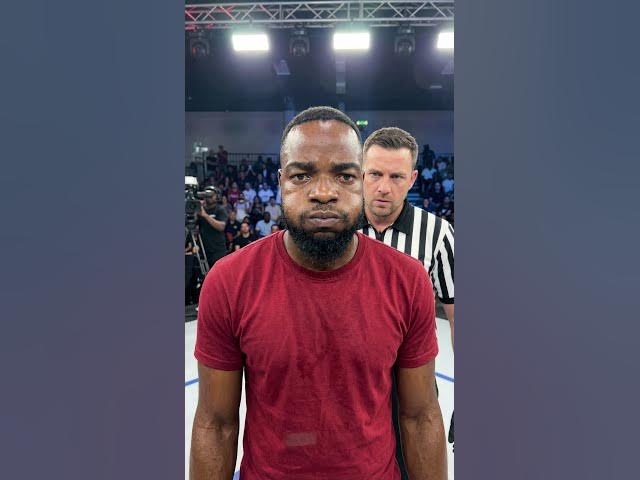
going to use my image where I'm ready to
0:31
be slapped. And for the prompt, we're
0:33
going to use this one here. So this is
0:35
what is going to happen in the video. So
0:37
this is all you have to do. After doing
0:39
that, just click generate video. And
0:41
this is the result that you get.
0:46
If you want the link and the prompts,
0:48
comment AI below and I'll send it to