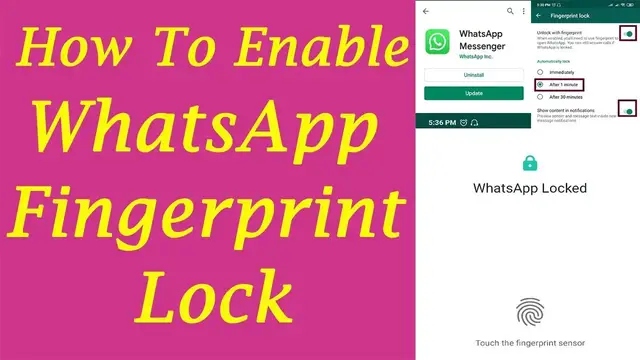

How to enable finger print lock on WhatsApp | How to setup WhatsApp fingerprint
Sep 21, 2022
How to enable fingerprint lock on WhatsApp. Enable Finger Print Lock on WhatsApp in Android Devices. https://admeonline.com/whatsapp-enable-finger-print-lock/
WhatsApp users can enable the finger print Lock and set the finger print lock gets enabled immediately, or after one, 30 minutes.
To Enable the Fingerprint Lock Follow below Steps:
Step 1 : Open Google Play Store in your Mobile and Search WhatsApp Messenger
Install the latest update.
Step 2: Open the WhatsApp and Click on 3 dots on Top right to open the Settings
Step 3: Now tap on 'Accounts' to open the Privacy and Security Settings.
Step 4: Tap on the 'Privacy' tab to open the Privacy settings.
Step 5: Scroll down to see the 'Finger Print Lock' option in the Privacy page.
Finger Print Lock option is disabled by default.
Show More Show Less