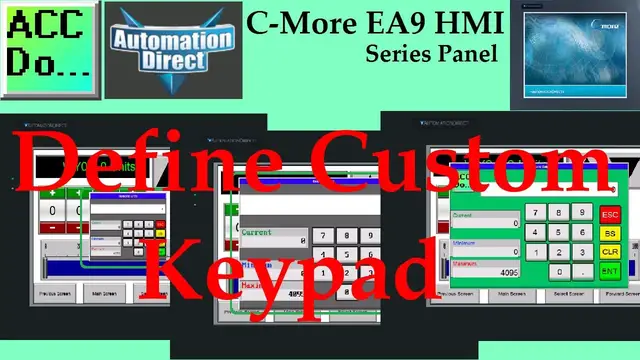

C-More EA9 HMI Series Panel Define Custom Keypad
Oct 13, 2022

We will now look at the C-More EA9 custom keypad for our HMI. The C-More HMI Panel software uses popup system default keypads. I recently was asked to enlarge the keypad to make editing easier.
We will now look at enlarging the existing system default keypads. This is especially good with touch screens over 10 inches. We will also look at how to define a custom keypad for the C-More HMI. Let’s get started.
More information can be obtained on our website. This includes all of the links mentioned in this video.
https://accautomation.ca/c-more-ea9-hmi-series-panel-define-custom-keypad
Previously we have discussed the following in our C-More HMI Panel:
System Hardware
https://accautomation.ca/c-more-micro-hmi-system-hardware
Unboxing and Review Video
https://youtu.be/_uCcALMqYlM
Powering the Unit
https://youtu.be/BIGrOvxlDTI
Installing the Software
https://accautomation.ca/c-more-ea9-hmi-series-panel-installing-the-software
https://youtu.be/6EnyUbEp4As
System Setup Screens
https://accautomation.ca/c-more-ea9-hmi-series-panel-system-setup-screens
https://youtu.be/tL6Ygr1BuDY
First Program
Show More Show Less #Programming