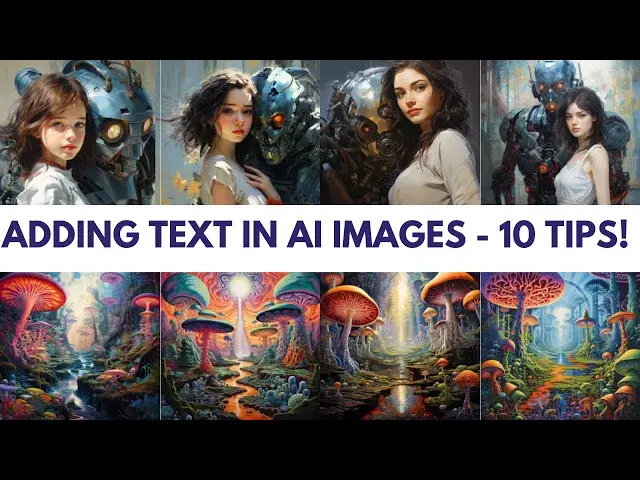

Mastering Text Integration: 10 Tips for adding text to AI-Generated Images
May 15, 2024

Welcome to Wisefuss! In today's video, we're diving into the world of adding text to AI-generated images. Elevate your visuals with these 10 expert tips:
1. Start Strong: Grab AI's attention by placing your text at the beginning of your prompt.
2. Visual Descriptions: Describe text appearance for AI to understand your design vision.
3. Repetition Works: Repeat your text throughout the prompt to prioritize its inclusion.
4. Synonyms and Verbs: Expand AI's understanding with synonyms and action words.
5. Contextualize: Describe the image background for accurate text placement.
6. Transform to Visual: Turn text into an image prompt using tools like Photoshop.
7. Experiment and Refine: Try different prompts to perfect text integration.
8. Keep it Simple: Shorter text strings are often more effective for AI.
9. Post-Processing Power: Use tools like Photoshop to fine-tune text after AI generates the image.
Show More Show Less #Comics & Animation
#Visual Art & Design
#Clip Art & Animated GIFs
#Animated Films