Up next in 10


Get the full source code of application here:
Show More Show Less View Video Transcript
0:00
Uh hello guys, welcome to this video. So
0:02
in this video, I'll show you how to add
0:04
pets inside your VS Code. So if you want
0:08
to add some animals such as dogs, cats,
0:11
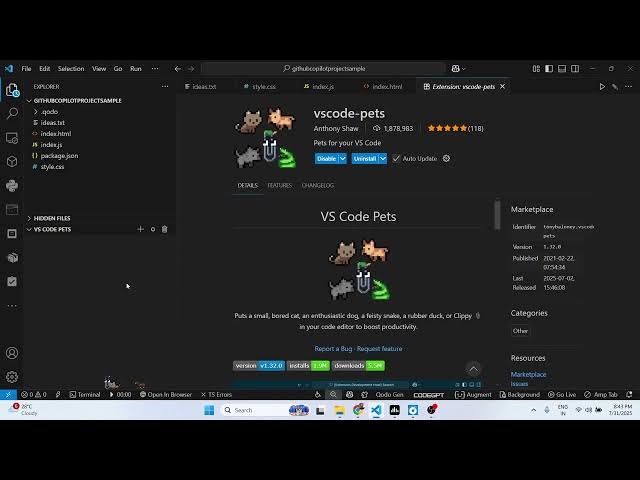
you search for this extension VS Code
0:13
Pets, this extension will come right
0:16
here. It's got almost 2 million
0:17
installs. So simply click the install
0:20
button and activate this extension. So
0:23
after activating it, you will see in the
0:25
file explore menu. So right here you
0:28
will see this VS code pets. So now you
0:31
will see this pet will show and here you
0:34
can control the setting of this.
0:40
You can also throw a ball right here.
0:44
Like this
0:47
you can basically select from a variety
0:49
of animals like this cat, chicken, dog.
0:53
So if I want to have horse, so you can
0:56
control the color as well.
0:58
And then just name your And now you can
1:01
see this is showing right here.
1:10
You can add
1:13
multiple
1:16
animals right here.
1:24
And you can even go to settings. And
1:25
here you can control the actual size of
1:29
it.
1:36
So
1:44
you can control the size of their
1:46
elements. VS code size of the pet.
2:08
So this is the extension guys. You can
2:11
easily add pets right here. You will
2:14
see. Definitely install this extension
2:18
and also check out my website
2:20
freemediatools.com
2:21
uh which contains the thousands