Up next in 10

Create a Web Based Canva Clone PDF Generator and Editor from Scratch | HTML5 JavaScript Project
Mar 12, 2026

Buy the full source code of application here:
https://procodestore.com/index.php/product/create-a-web-based-canva-clone-pdf-generator-and-editor-from-scratch-html5-javascript-project/
Show More Show Less View Video Transcript
0:00
Uh, hello guys. This video I'll show you
0:02
I built out a web-based PDF generator
0:05
and editor tool
0:07
from scratch in HTML, CSS, and
0:10
JavaScript.
0:11
So, [snorts] this is actually the source
0:13
code here. This is a single file
0:15
index.html about uh 22 100 lines of code
0:19
is there. So, it's a single-page
0:20
application.
0:22
So, it directly runs in the browser.
0:23
There is no back end to it. So, let me
0:25
show you the demo.
0:27
So, once you run the file here, it
0:29
directly runs in the browser. It's
0:30
similar to Canva
0:32
where you edit your PDF files directly
0:34
in the browser. So, you can directly
0:35
purchase the source code. I've given the
0:37
link in the description. So, after
0:40
purchasing it, you will get this file
0:42
from Google Drive.
0:44
And now coming back to the application,
0:45
you basically select the PDF file,
0:47
whatever PDF file you want to edit.
0:49
After that, it will show you the number
0:51
of pages. And then we have these tools
0:54
out there where you can actually
0:55
highlight your PDF file using this pen
0:59
operator.
1:00
You can just see here. Go to the next
1:02
page. Do the same thing. You also have
1:04
the capability to change the color here
1:07
to green color as you can just see. We
1:10
also have capability to add text here.
1:12
So, you basically can add text here,
1:14
multiple text.
1:16
And using the select operator, you can
1:18
actually position it, align it
1:20
perfectly. Then you also have capability
1:22
to add images. Simply select the image
1:24
and just place it.
1:26
And then we also have the operator to
1:29
actually hide anything. So, you select
1:31
this operator and simply you can hide
1:33
anything in the PDF here really simply.
1:36
So, this is a really web-based
1:40
PDF editor and generator. It directly
1:42
runs in the browser.
1:43
And after making these changes, you can
1:45
click the export PDF button. So, once
1:48
you click that button, everything will
1:49
be exported, the changes that you have
1:51
done,
1:52
the images, text, highlighting that
1:54
you've done.
1:56
So, if you're interested, guys, the link
1:58
is given in the description. You can
1:59
even modify anything or add additional
2:02
features.
2:03
So, it's a single index.html file here.
2:06
And uh
2:08
apart from that, you also have the
2:09
capability to add blank page.
2:13
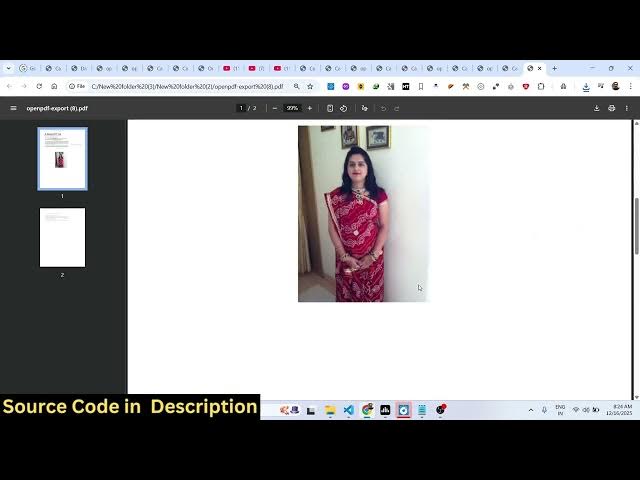
And just write anything right here.
2:16
You can add text, images.
2:19
Like this, you can place this image
2:21
accordingly.
2:23
If you want to delete a page, you also
2:25
have this button to delete this page.
2:27
So, that page will be deleted. If you
2:29
want to create a duplicate page, you
2:31
click the duplicate button.
2:33
So, [snorts]
2:34
now you will see that again you export
2:36
PDF. So, this will save you a lot of
2:38
time because you don't need to use any
2:41
third-party software for editing your
2:42
PDF files.
2:44
You can actually buy this source code
2:47
and actually
2:48
build your own PDF editor in simple
2:51
HTML, CSS, and JavaScript. So,
2:54
the link is given.