0:00
Uh hello guys, in this video I'll show
0:02
you I built out Adobe Photoshop clone
0:05
editor image editor directly in the
0:07
browser using HTML, CSS and JavaScript.
0:10
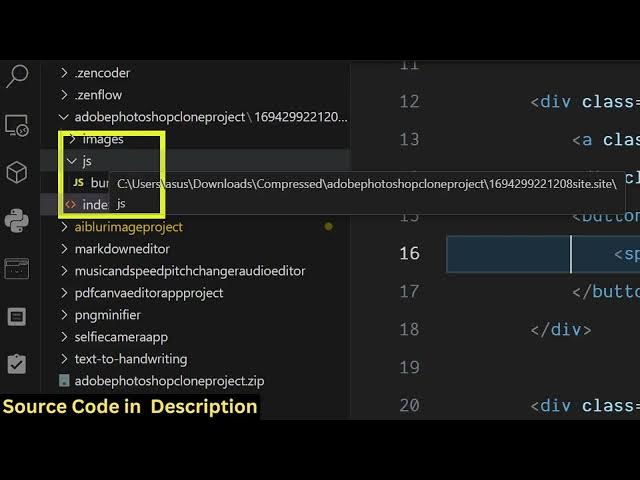
This is the full directory structure of
0:11
the project right here. It's building
0:13
directly in HTML, CSS and JavaScript. So
0:16
the link is given you can directly
0:18
purchase a source code. So after you
0:20
purchase it, you can simply run the
0:22
application locally that I have done.
0:24
Everything is customizable. So right
0:27
here you basically select
0:30
whatever image that you want to edit.
0:34
This is you can draw anything.
0:40
So with live preview you can also zoom
0:42
in. All the controls of Photoshop is
0:45
there. You will see that you can change
0:47
the color using this color picker. I've
0:51
also deployed this as well. So if you're
0:55
trying out before purchasing it,
1:00
check the full description link and I've
1:02
given the link here. So right here you
1:18
all the controls are there which you see
1:29
So [snorts] all these tools
1:32
are perfectly there. So this is a source
1:35
code right here. It directly runs in the
1:40
This is a select tool.
1:46
This is a clone tool. This is a crop
1:56
So we have this menu right here. You
2:02
you can export this to a image.
2:08
So everything will be exported right
2:13
This is your menu right here. And you
2:39
the link is given guys you can directly
2:41
purchase it before purchasing you can
2:43
try out this it's deployed