0:00
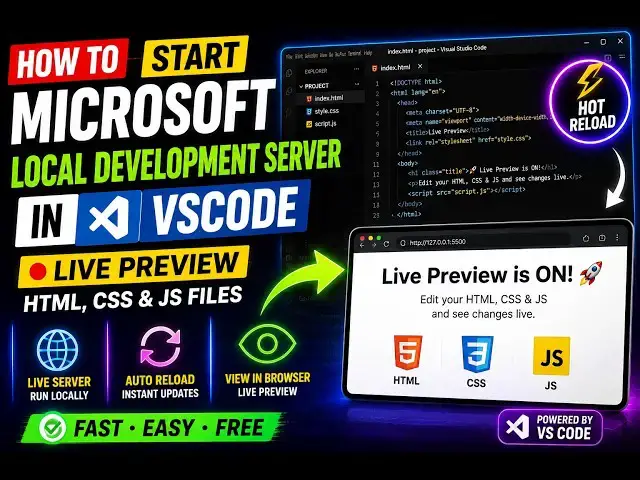
Uh, hello guys. In this video, I'll show
0:01
you how to see the live preview of any
0:04
HTML, CSS, and JavaScript file directly
0:07
in VS Code. So, VS Code will actually
0:10
have its own browser. As you see right
0:12
here, we have some source code, some
0:15
As I add some code to it, I'm
0:18
automatically seeing the result side by
0:20
side on the right-hand side. It
0:22
automatically started a local
0:26
So, this is I I done this using a
0:28
Microsoft VS Code extension called as
0:33
If you also want to do it, simply go to
0:37
and search for extension called as Live
0:40
Simply type this in the search bar, Live
0:44
And you will actually see this verified
0:47
extension, which is developed by
0:48
Microsoft, as you see.
0:51
It actually hosts a local server inside
0:55
So, it's got almost 13 million installs,
0:57
so it's a very popular extension. I've
1:00
already installed it. So, after
1:02
installing it, go to any file.
1:09
and simply right-click.
1:14
then you will see this option appearing,
1:18
So, as you see, this option will appear,
1:24
And if you click on that,
1:26
the extension will get started and it
1:28
will automatically create a
1:30
local development server directly in VS
1:32
Code side by side. So, if you make any
1:36
you will see that it will be reflected
1:38
back. So, it also works with JavaScript
1:40
as well. So, if you add a alert
1:42
statement, you will see that the alert
1:45
statement will be showing.
1:50
Uh, so let me just disable the auto save
1:55
So, by default, auto save is on on this
1:57
extension. So, that's why as I type the
2:00
code, you will actually compiling this
2:02
JavaScript and showing me the result.
2:05
So, you get the point. It actually saves
2:08
everything as you type. The code is
2:10
saved and automatically run.
2:14
You can change this color as you see.
2:18
It will be reflected back. So, we can
2:23
custom JavaScript as well. Let me change
2:26
the background color.
2:30
So, as you see, it will be reflected.
2:32
All the changes will be reflected back,
2:33
guys. So, this will save you a lot of
2:36
time because you no longer need to
2:39
actually after writing the code, you
2:41
need to open browser.
2:43
You can instead you can use this
2:44
extension by Microsoft, which will
2:46
directly open a live development server
2:51
So, definitely check this out.