Up next in 10


Get the full source code of application here:
Show More Show Less View Video Transcript
0:00
Uh hello guys, welcome to this video. So
0:02
in this video, I'll show you a VS code
0:04
extensions which allows you to preview
0:06
and open your latex files directly
0:09
inside
0:10
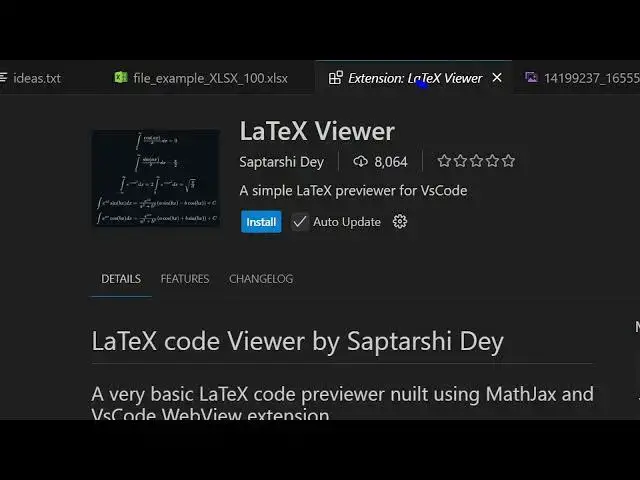
VS code. So go to the extensions tab and
0:13
just type here latex and uh there are
0:16
quite a number of extensions will come
0:17
right here. This is the first extension
0:20
which uh latex is the main extension or
0:23
you can even say latex viewer.
0:28
So this is the extension that I'm
0:29
talking about. Simply activate this
0:31
extension. This will let you preview
0:33
your latex files directly inside VS
0:36
code. So if you do have a latex file
0:38
like this,
0:40
this will be opened directly.
0:50
So it will display the live preview like
0:54
this. So here you can enter whatever
0:57
latex that you want to write here and
0:59
instantly in live preview it will show
1:01
you the live preview of this latattex as
1:04
you can see. So this is the latex viewer
1:08
extension live preview extension that as
1:12
you are writing your code automatically
1:14
it will show you the live preview
1:16
section.
1:21
So thank you very much for watching this
1:22
video. Also check out my website
1:24
freemediattools.com
1:26
uh which contains thousands of tools.