0:00
uh hello guys welcome to this video so
0:02
in this video I will show you how to
0:04
actually make a GIF animation from a
0:08
series of images inside FFmp so for
0:11
example we have a folder right here i
0:14
have two images inside the PNG format
0:19
two so for creating a GIF animation from
0:22
these two images there is a simple fMPPG
0:26
command you can open the terminal and
0:28
just write the command here
0:34
rate so this frame rate property
0:37
controls how much second each image
0:39
appears in the GIF animation so let me
0:42
just write 1 second so for 1 second each
0:45
image will appear in the GIF animation
0:47
and then we need to provide the input
0:49
folder where all the images are present
0:51
so dash I so I created this image folder
0:55
and uh the images are present in this
0:57
format image one image 2 so we will
1:00
provide this image percentage sign d and
1:05
dotpng and then followed by the output
1:08
file name which will be output gif so
1:10
this is actually the command it will
1:12
create a slideshow from a multiple
1:15
images and it will create this gif
1:17
animation file so as I enter it you will
1:20
see it will create this output GIF file
1:31
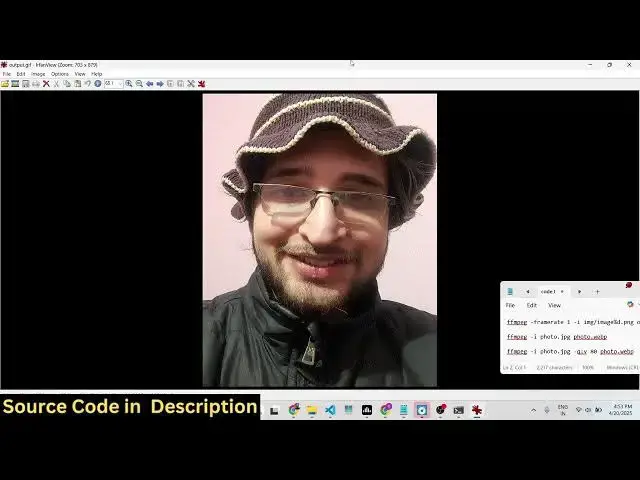
GIF so you'll see each image will appear
1:34
for 2 second and it will repeat as GIF
1:36
animation repeats you will see that in
1:39
this easy way you can create animated
1:41
gifts from images really easily using
1:45
ffmpg command inside the terminal so you
1:48
can see that each image is appearing for
1:50
2 second and this is actually a simple
1:55
gif so we have these two images so you
1:59
can take unlimited images it can be five
2:01
say 10 images as well so you can create
2:04
simple animated gifts so the command is
2:12
adjust how much second it appears you
2:15
can even put two here so it will appear
2:17
for 2 seconds each image and then you
2:19
provide the folder and then the output
2:22
GIF so really simple command but it does
2:24
the job really easily it's a very
2:27
powerful command to create GIF
2:29
slideshows from multiple images so thank
2:32
you very much for watching this video
2:33
and also check out my website
2:36
freemediattools.com which contains