0:01
uh hello guys welcome to this live
0:03
stream so in this live stream I will
0:05
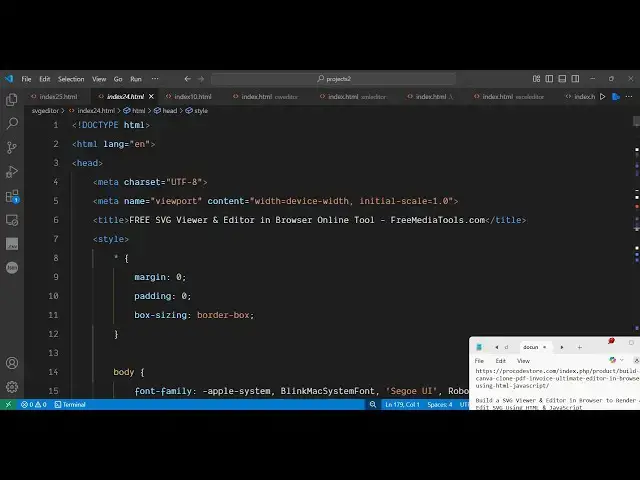
show you a SVG editor that I developed
0:09
directly inside HTML CSS and JavaScript
0:12
it's a SVG renderer where you can load
0:16
your existing SVG files and directly
0:18
view it inside this editor on the right
0:20
hand side side by side you will be able
0:23
to edit the code and with live preview
0:26
you would see the changes so if you land
0:28
on this tool I've deployed this on my
0:30
freemediatools.com website i've also
0:32
given the link in the description of the
0:34
video so you can check out this tool so
0:38
this is a simple example SVG so we have
0:41
the left hand side we have the code here
0:43
you can change if you change any sort of
0:46
code here let's suppose I change this to
0:48
from 100% to 50% you will see the
0:52
changes will be reflected back and
0:54
you'll be able to create new SVGs
0:56
directly using this editor
1:03
so then if you have existing SVG that
1:06
you want to edit it itself after making
1:09
the changes you can even download the
1:14
so as you can see the output SPG is
1:16
successfully downloaded so you can try
1:20
this and uh I have give if you want to
1:23
purchase a full source code the link is
1:25
given in the description it's around
1:28
about 435 lines of code here so you will
1:30
get a single index html file which
1:33
directly runs in the browser itself
1:36
so you can also run this locally as well
1:40
as you can see it's a single page
1:42
application directly runs in the browser
1:44
itself so now let's suppose let me
1:52
from the internet that you want to edit
1:58
download this SVG file here so
2:14
SVG here so you have different SVG files
2:18
here so one such is this one
2:24
so basically what I do I download this
2:27
and I can simply click this button of
2:30
load file so I can actually edit that
2:35
file simply plug this as soon as you do
2:44
i think I just need to refresh it
2:51
select your SVG file and directly it
2:54
will open that file here this will give
2:57
you this SVG code here
3:06
so this let me give this example here
3:26
so as you can see the car SVG now you
3:29
can edit this SVG directly it will give
3:31
you this all this code here on the left
3:33
hand side and the user will be able to
3:36
simply edit this SVG is uh simple or if
3:39
you just want to see the code here you
3:42
can copy to clipboard as well
3:46
so before purchasing it you can try this
3:49
tool guys it's deployed here svg
3:52
editor where you can edit your SVG
3:55
directly in the browser itself svgs or
3:58
simply create new SVGs as well by
4:01
writing the code right here
4:04
so this will be the full source code you
4:06
will get it's entirely coded inside HTML
4:11
and thank you very much for watching