Up next in 10

Build a Mozilla PDF.js PDF to Images Editor & Converter in the Browser Using HTML & JavaScript
Mar 13, 2026

Buy the full source code of application here:
https://procodestore.com/index.php/product/build-a-mozilla-pdf-js-pdf-to-images-editor-converter-in-the-browser-using-html-javascript/
Live Demo of App:
https://freemediatools.com/pdftoimagesproject
Show More Show Less View Video Transcript
0:00
Uh hello guys, in this video I'll show
0:02
you a web application that I developed
0:05
which allows you to convert your PDF
0:08
into images. It can be PNG or JPG. So it
0:12
converts all the PDF document pages. So
0:15
I've deployed this application on my
0:17
website. I've also given the demo link.
0:20
So please check the full description. So
0:22
once you land on this web application,
0:24
you basically select whichever PDF file
0:27
that you want to select. So here you
0:30
first of all select a PDF file then all
0:32
the pages will automatically get loaded.
0:34
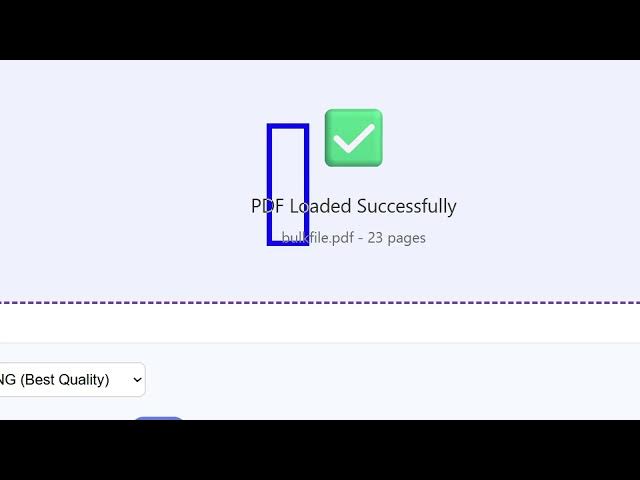
As you can see you will get this
0:36
notification and right here you can
0:38
select the output format PNG or JPG
0:42
and then here from the slider you can
0:44
even control the quality of the images
0:46
scale factor you can even control that
0:48
as well. So then you click convert to
0:50
images and one by one the application
0:53
will process all the pages of PDF and
0:56
then it will show one by one by page
1:00
number. For every page we have a
1:03
download button. So individually you can
1:05
click this and download
1:09
this page of the PDF to a image file.
1:12
You can export this. So you can just see
1:13
the quality of the page is successfully
1:16
exported to an image file. So this
1:18
application that I developed entirely in
1:20
HTML, CSS and JavaScript, I've given the
1:24
link to purchase the source code. So
1:26
once you purchase it, you will
1:28
automatically get the source code from
1:29
Google drive. This will be the
1:31
index.html file you will get and this is
1:35
round about 500 lines of code. So this
1:40
is very easy to open and deploy this as
1:43
well. Simply open VS code and directly
1:45
open it in local host. So now we are
1:48
running it on local host. It's very
1:49
simple. Again you repeat the process.
1:52
You actually select a PDF file. So you
1:57
will get this notification. Click
1:59
convert to images and one by one using
2:02
this progress bar.
2:05
And it's a nice thing about this
2:07
application. It's single page
2:09
application which directly runs in the
2:11
browser. No serverside processing is
2:13
involved. So it's really fast, easy to
2:16
deploy as well. And for this we have
2:20
used a third party library which is open
2:23
source. Mozilla PDFJS library which is a
2:26
really handy library. So if you just
2:29
search here Mozilla PDFJS.
2:32
So this is a PDF
2:34
related library for JavaScript for
2:37
browser. So this is their homepage. So
2:40
we have used this library for this
2:43
project.
2:44
So as you can see,
2:47
so I have given both the links. You can
2:49
try out the demo before purchasing it.
2:52
So
2:53
you can even change the extension to
2:55
JPG. Again, you click convert to images.
2:58
And now instead of PNG, we will have
3:01
download
3:04
JPG.
3:07
So there is also a button here which
3:09
allows you to export all the images in
3:12
one go. So if you click this button a
3:14
zip file will be created. So
3:16
automatically all the images will be
3:18
downloaded one by one. So as you can see
3:23
so you can just click one button and it
3:25
will export all the pages to a image
3:27
file. So this is a really handy
3:30
application PDF to images generator and
3:33
converter directly in browser.