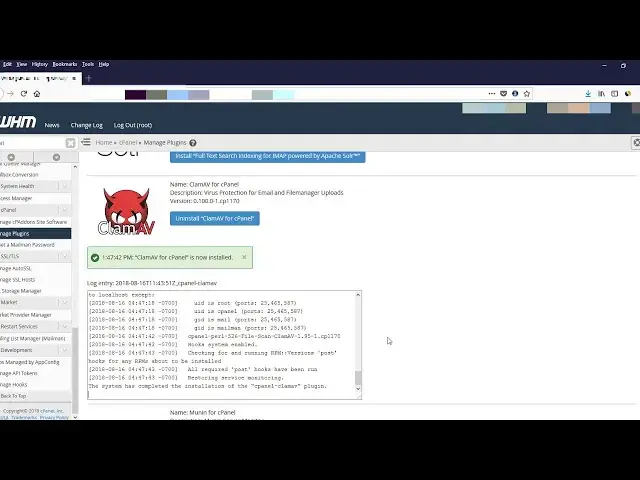

সিপ্যানেল সার্ভার ম্যানেজমেন্ট পর্ব 03 - Installing ClamAV Antivirus
May 22, 2024

সিপ্যানেল সার্ভার ম্যানেজমেন্ট পর্ব ০৩ : ClamAV এন্টিভাইরাস ইনস্টলেশন
Cpanel Server Management Part 03: Installing ClamAV Antivirus
How to Install and Configure ClamAV in WHM
ClamAV is a popular open-source virus scanner. Installing the ClamAV plugin allows your cPanel users to scan their accounts and emails for malicious files. You will need root access to do this installation.
* Go ahead and Log into your WHM
* Choose cPanel - Manage Plugins
* Check the box that says `Install and Keep Updated`
* The installation process can take a little while, sometimes up to 10 minutes, so this is a good time to multi-task.
* Log out of WHM and then log back in
* Search for ClamAV and click Configure ClamAV Scanner
* You can determine what kind of scan privileges you want your cPanel users to have.
Now your users can log into their cPanel and run their own virus scans.
#ClamAVWHM #ClamAV_Antivirus #whm_Antivirus #cPanel_Antivirus
Show More Show Less