0:00
You like speed, so do I! In fact, speed and tech, the things are related, right
0:05
Everything has to get faster, it has to get better. External storage speed
0:10
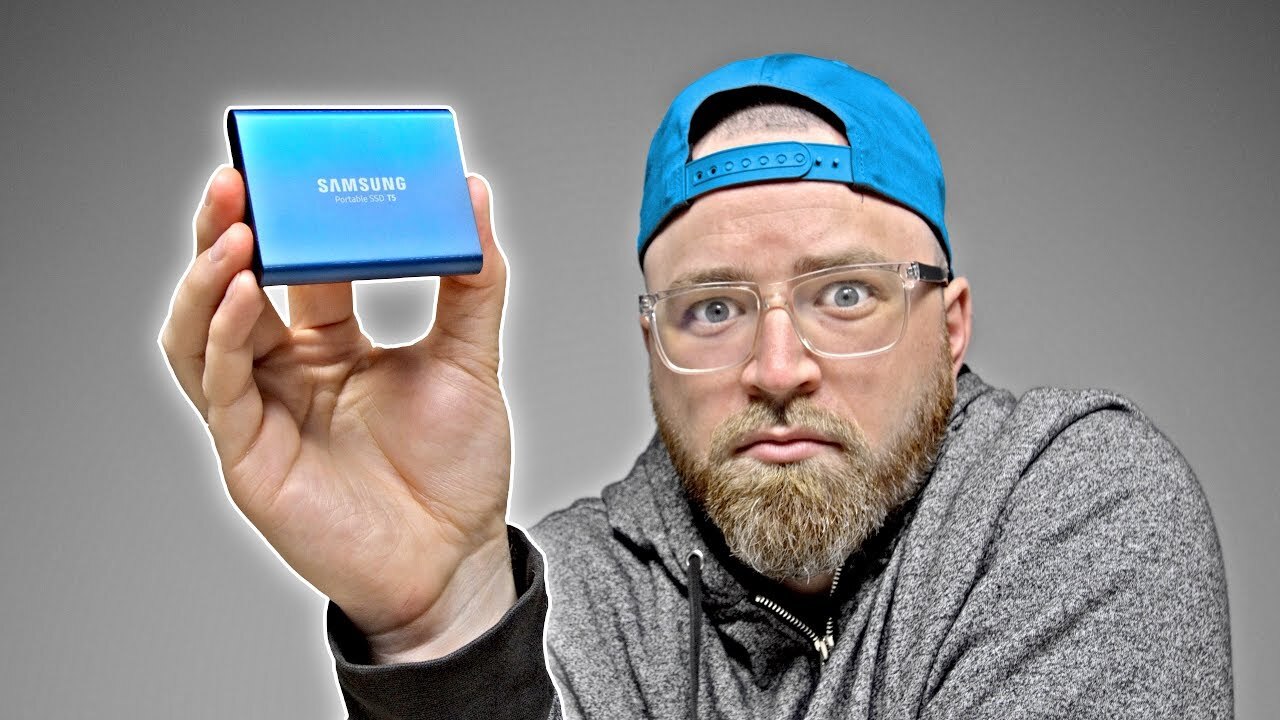
Today I'm showing you what I think is the fastest portable SSD that plugs in over USB
0:16
And it also happens to be tiny. Anyway, this guy here, it's the T5 portable SSD
0:20
It's brand new, it just came out. This is the 500GB version. You can get it up to 2TB
0:25
Though it does get expensive, this one is probably the value point
0:29
I have the link to this in the description, but by the time you get up to 2 terabytes, it's like 800 bucks
0:34
So keep that in mind. It happens to use USB type C for the interface
0:38
What's cool about that is it doesn't just hook up to Windows or Mac, but also Android
0:43
Now as you know, phones like the Galaxy S8 have a type C connector
0:47
So now, this media that's on here is not only available to your laptop, but available to your phone as well
0:53
you got some movies on here, music, whatever, single cable, it's really incredible
0:57
Powers of the drive, I mean, we're living in the future. Okay cool up to 540 megabytes per second transfer speed using USB 3 Gen 2 Also a shock resistant structure Let check this little guy out Ooo that is tiny
1:11
Look at that little guy. Wow. And that's it. All you need on this thing is a single USB-C port
1:18
Ok also in the package a little bit of paperwork. Couple of cables. So this one is C to C and then a type C to a classic USB if your laptop is rocking the old school connector
1:30
For the purpose of this test, I'm gonna use this MacBook. This is the latest MacBook Pro
1:34
Drive can go in over here. Also, worth mentioning, there is an LED indicator on there
1:41
It'll show activity and, of course, the fact that the drive is connected and has power
1:45
Now, I've got two separate apps here to test the speed of this drive for read and write
1:50
The AJA system test and the Blackmagic disk speed test. Okay, here we go
1:54
Three, two, one. Okay. Close. getting 478 over here on the right speed now let's check out the read speed
2:05
ah ok 510 well I say we in the wheelhouse and we were around 500 megabytes per second on both And that for a 5 gigabyte file If you take a look at the specs here in the disk speed test
2:17
you can see the various resolutions. Of course, you can imagine the type of data that we're talking about
2:21
necessary to edit those resolutions. So we can go all the way down here to like 2160p or 4K
2:28
And you can see that this drive has enough speed to write and read 422HQ ProRes in 4K
2:35
at 30 frames. If we travel along this little grid it can even do cinema DNG
2:39
raw. You could edit 4k raw footage on this little drive. Okay so next let's do
2:45
the AJA system test to see if it matches with the black magic test. And it's
2:53
almost identical. Alright now the last test I want to run is just copying to
2:57
the drive. So here's some video files from one of our shoots. It's about 30
3:01
for a front facing angle which is ProRes. Let's see how long it's going to take to copy a 33
3:08
gigabyte video file right onto this drive here And it going to take about a minute just under 34 gigabytes of footage from the local drive here onto the SSD There you go bingo transferred over how convenient is
3:24
that? Alright so here's the thing do you need the the T5 is it for you? Well I
3:29
think you probably already know that if you're moving around large amounts of
3:33
data you can see a huge advantage in having a drive like this you can save a
3:37
ton of time it's also so compact there's of course no moving parts because it is
3:41
and SSD. Personally I think this is going to be popular mostly for multimedia
3:45
individuals like myself. I can see this thing being useful around the office. I
3:49
can't think of a faster way to move large amounts of data around without some
3:53
sort of network setup or something like that. With this here I could just quickly
3:56
pass some footage over to someone and as you saw earlier I can put a 30 gigabyte
4:01
clip on here in under a minute so an entire project could get on there in
4:05
about 10 minutes and then boom pass it to someone else and they can start editing on this thing right away. That's why you pay the price. If you land on that page and you're
4:12
wondering why, that's the reason why