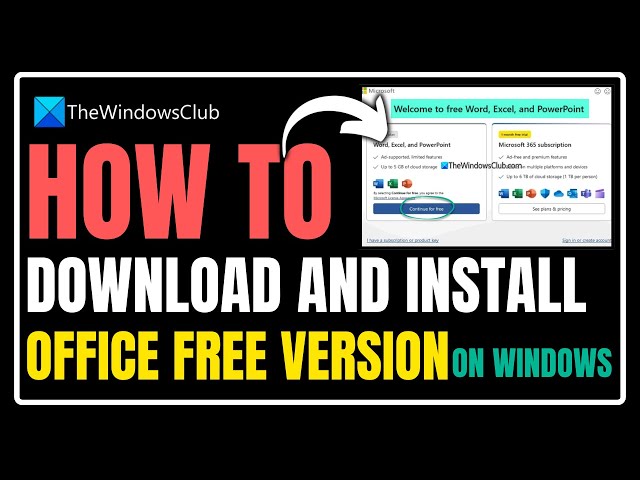
0:00
Do you want to download and install
0:01
Office free version on Windows 11? Then
0:03
you are at the right place and here is
0:05
how to do it. Let's get started.
0:11
This is the Windows Club. For a really
0:13
long time, if you wanted to use
0:15
Microsoft Office tools like MSWord,
0:17
Excel or PowerPoint, you needed to
0:19
purchase a license for the software. Or
0:21
you could subscribe to the Microsoft
0:22
365. But that's now changed as Microsoft
0:25
has officially launched a free ad
0:27
supported version of Office for Windows
0:29
and Mac. Let us see how to install the
0:31
Office free version on a Windows PC.
0:34
Method: How to download and install
0:35
Office free version on Windows. Start by
0:37
downloading the installer for Microsoft
0:39
365 from its official website. Run the
0:41
installer and let it download and
0:43
install Office for you. Once installed,
0:45
you can launch Word, Excel, and
0:47
PowerPoint along with a few other
0:48
applications from the Start menu. After
0:50
launching any of the apps, you will see
0:52
the welcome to the free word, excel or
0:54
powerpoint window. From here, choose
0:55
continue for free to start using the
0:57
application. Download office free
0:59
version. Limitations of free Microsoft
1:01
Office desktop software. While the new
1:03
free office is completely free to use
1:05
and download, there are some
1:06
limitations. Being an ad supported
1:08
application, you will constantly see an
1:09
ad on the right side of the screen.
1:11
Also, there will be a 15-second video ad
1:14
autoplayed or muted once in a while. It
1:16
doesn't allow you to save your documents
1:17
locally. Instead, your documents will be
1:19
saved in one drive. Additionally, the
1:21
free version of one drive includes 5GB
1:23
of free storage space. Across the free
1:25
version of Word, Excel, and PowerPoint,
1:27
you will see several key features that
1:28
are missing. For instance, in Word, you
1:30
don't have options like line spacing,
1:32
shading, borders, etc. Excel doesn't
1:34
have features like conditional
1:36
formatting, pivot table macros, custom
1:38
views, and workbook statistic. In
1:40
PowerPoint, you don't get features like
1:42
screenshots, photo albums, Cameo, show
1:44
media controls, and formatting
1:46
backgrounds among others. Microsoft
1:48
Office has also listed these apps as
1:50
free versions right next to the paid
1:51
ones. Here are details when it comes to
1:53
features. Microsoft Word. Here is the
1:55
download link. The basic features are
1:57
the app is for one person sharing and
1:59
realtime collaboration. Word for the web
2:01
basic spelling and grammar. Basic
2:03
templates, fonts, icons and stickers,
2:05
dictation and voice commands. 5GB of
2:07
cloud storage. To download Microsoft
2:10
Excel, click on this link. Here are the
2:11
basic features. Everything in Word,
2:13
Excel for the web, add supported Outlook
2:15
email and calendar. works on web, iOS
2:18
and Android. For Microsoft PowerPoint,
2:20
click on this link. You will get
2:21
everything in Word. PowerPoint for the
2:23
web, basic spelling and grammar, basic
2:25
templates, fonts, icons, and stickers,
2:27
dictation, and voice commands. Overall,
2:29
if you are a power user of Word, Excel,
2:31
or PowerPoint, then the free version of
2:33
Microsoft 365 might not be the perfect
2:35
choice. For full-fledged features with
2:37
no ads, you will still need to buy a
2:39
license. You can always use Microsoft
2:41
Office alternatives like Google Docs,
2:43
Sheets or Slides, but these are
2:44
cloud-based. So that's it. Subscribe to
2:47
the Windows Club for all your tech
2:48
solutions related to Windows. Thanks for