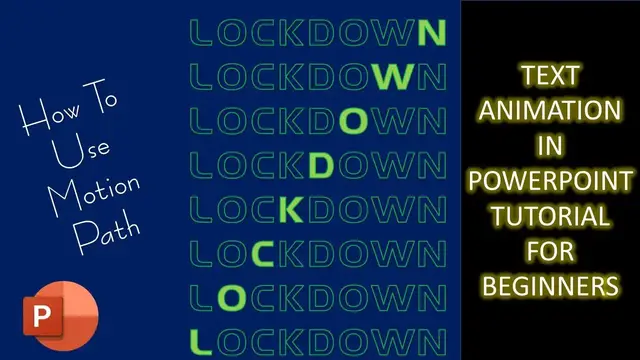

Text Animation Effect using Motion Path in PowerPoint Tutorial For Beginners
Aug 1, 2023
In this video, you will learn How To Use Motion Path in PowerPoint to create some amazing text animation effects.
⭐ Support Us at Patreon and Download Text Animation using Motion Path Presentation PPT @
https://www.patreon.com/posts/64215181
? Animation Inspirations By:
Nawaz Alamgir @ https://nawazalamgir.com/portfolio/motion-posters/
✍ About the Text Animation using Motion Path Tutorial
We used the Up and Down Motion Paths in this presentation. There are a total of 8 text boxes. On the top 4 boxes, we used the Down Motion Path and on the bottom 4 boxes, we used the Up Motion Path with Auto Reverse. The only important thing is to match the endpoints of the Motion Path to the exact text box as described in the tutorial.
? Recommended Videos
How To Use Animation Painter in PowerPoint
https://www.youtube.com/watch?v=N5LreRCpg2Y
? Subscribe for more tutorials: https://www.youtube.com/TheTeacher?sub_confirmation=1
? Learn More, Visit: https://www.theteacherpoint.com
Show More Show Less #Arts & Entertainment
#Movies
#Online Goodies
#Clip Art & Animated GIFs
#Reference
#Animated Films