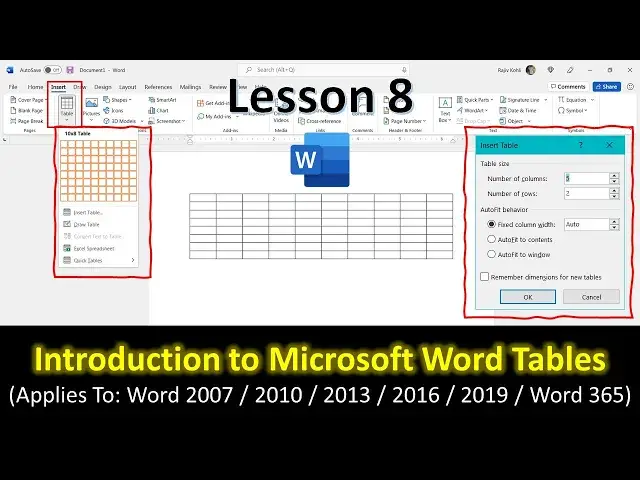

Introduction to Working With Tables in Microsoft Word Tutorial For Beginners - Lesson 8
Mar 29, 2024
In this comprehensive tutorial, we will walk you through the process of creating and formatting tables in Microsoft Word, a vital skill for efficiently organizing and presenting data within your documents. This tutorial is designed to provide both a detailed written guide and a video tutorial for a complete learning experience. Here are the key points covered in this tutorial:
1. Introduction to Tables in Microsoft Word:
Briefly explains the concept of tables as a grid of cells for organizing data.
2. Creating Tables in Microsoft Word:
Method 1: Using the Insert Tab
Step-by-step instructions on creating tables by selecting cells from a dropdown grid.
Method 2: Using the Insert Table Dialog
A detailed guide on inserting tables with specific column and row numbers and column width behavior.
Method 3: Using the Draw Table Option
How to draw tables freehand using the pencil tool in the Draw Table option.
3. Understanding Column Width and Page Layout:
Explains how Microsoft Word automatically distributes column widths based on page layout, paper size, and margins.
4. Adjusting Column Width:
Demonstrates two methods for adjusting column width: dragging the column dividers and using the ruler, with explanations of when to use each method.
Show More Show Less #Jobs & Education