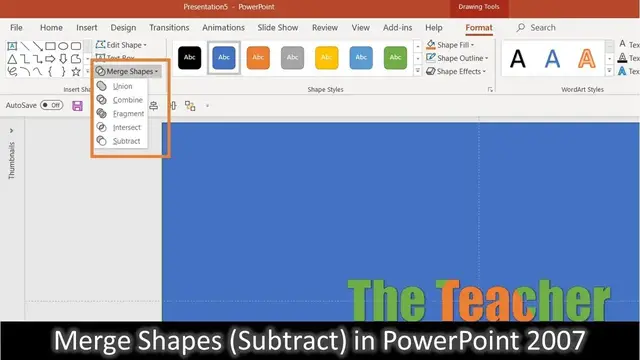

How To Use Merge Shapes Subtract Command in PowerPoint 2007 Tutorial
Aug 9, 2023
In this Microsoft PowerPoint 2007 Tutorial, I will show how you can use the Merge Shapes Subtract command in PowerPoint 2007 because these commands are only available in PowerPoint 2010 and Later Versions. If you are already following my channel then you might have seen that I have already used this command several times to accomplish several animations.
Surely, you can create some wonderful animations using this trick. Learn more @
https://www.theteacherpoint.com/amazing-text-animation-in-powerpoint-using-gif-files/
📋 PowerPoint Trick To Use Merge Shapes in Earlier Version
For example, we will take a full slide size rectangle and then will use WordArt to type our Text on the top of the rectangle. Then we will select both of these objects using the SHIFT key and keep in mind that you can also take two different shapes and can use the same trick. Then use the CUT command and then click the Paste Drop Down button and use Paste Special. In Paste Special dialog box, use the Picture (PNG) option.
Once you have the same objects on the slide again but this time as a Picture then you have to use Set Transparent Color from the Color drop-down button through the Format tab and then click on the color you want to remove from the picture, which in our example is the Black color.
💞 Support For A Cause @ https://www.patreon.com/TheTeacher
🎺 Music Credits:
Serenity - Aakash Gandhi
🔔 Subscribe for more tutorials: https://www.youtube.com/TheTeacher?sub_confirmation=1
📝 Learn More, Visit: https://www.theteacherpoint.com
✅ Recommend Playlists:
Show More Show Less #Comics & Animation
#Visual Art & Design
#Software