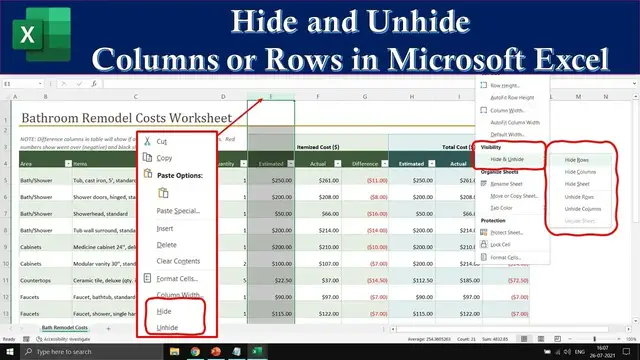

Excel for Beginners: How to Hide and Unhide Columns and Rows
Sep 26, 2023
Welcome to "How to Hide and Unhide Columns and Rows in Microsoft Excel Tutorial"! In this comprehensive Excel tutorial, we will unravel the secrets of efficiently managing your spreadsheets by mastering the art of hiding and unhiding columns and rows. Whether you're preparing for a visual presentation or want to optimize your documents for printing, this tutorial has you covered.
👩🏫 **Narrated By:** Emma (TTS)
🎶 **Music Credits:** Blue Skies / Silent Partner
**Key Points:**
📊 **Preserve Your Data:** Discover the magic of hiding columns and rows without deleting them. Your data remains intact, and any formulas within are still functional.
🖨️ **Optimize for Printing:** Learn how to tailor your worksheet for printing by selectively hiding columns or rows, ensuring your documents look exactly the way you want.
📽️ **Visual Presentation:** Perfect your visual presentations by temporarily concealing certain columns or rows that may not be relevant during your demonstration.
**Tutorial Highlights:**
📜 In this tutorial, we explain two methods for hiding and unhiding columns and rows in Excel: using the Format drop-down from the Home tab and utilizing the right-click context menu.
👉 **Method 1:** Format Drop-down
- Select the column or row you wish to hide.
Show More Show Less