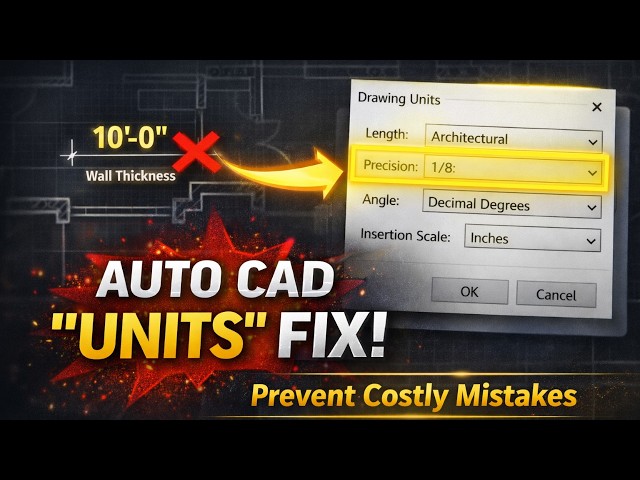

How to Set Up Units in AutoCAD (Beginner-Friendly Guide)
Feb 9, 2026

If your AutoCAD drawings don’t scale correctly, dimensions look wrong, or blocks come in at crazy sizes — the problem is almost always units.
In this video, we explain AutoCAD Units from the ground up, the way they actually work in real projects — not textbook theory. You’ll learn why AutoCAD is unitless, how one small setup mistake can break an entire drawing, and how to set units correctly so you never have to fix scale issues again.
This lesson is designed for students, beginners, and practicing engineers who want a clean, practical AutoCAD workflow.
🔍 What you’ll learn in this video:
Why AutoCAD does NOT understand inches, feet, or millimeters by default
How the UNITS command really works
Difference between accuracy vs display precision
Which Length Type to use (Architectural, Decimal, Engineering)
Why Insertion Scale is critical for blocks and Xrefs
A real-world step-by-step units setup for building drawings
Set this once at the start of your drawing — and avoid hours of rework later.
📖 Read the Detailed Article (Recommended)
👉 AutoCAD Units Setup (Step-by-Step Guide):
https://thecivilstudies.com/autocad-units-setup-correctly/
Show More Show Less