0:00
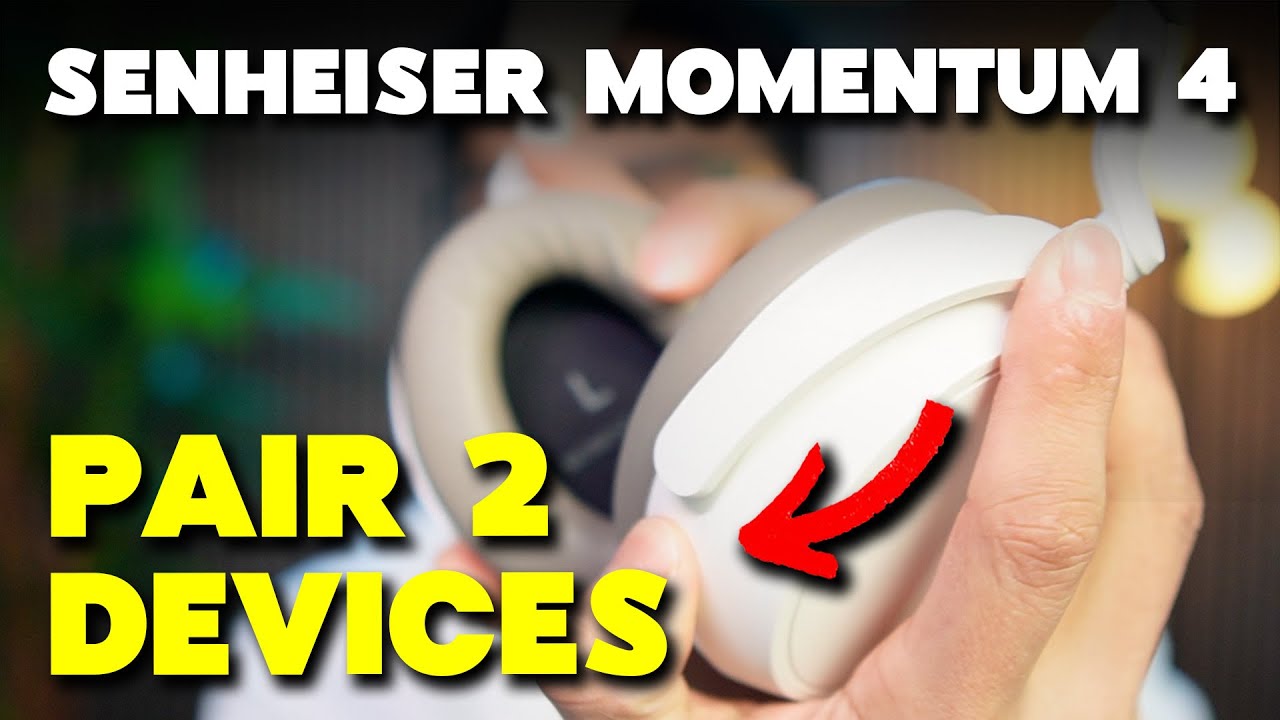
Welcome to the Chris Review. In this video I'm going to show you how to pair two devices
0:03
to your Sennheiser Momentum 4 headphones. So we can start by holding the button on the back side
0:07
for five seconds to put it in pairing mode and it's going to make a noise at first. Ignore that
0:12
first noise until you hear that second noise and it's going to be more of a music ding and that
0:17
puts these headphones in pairing mode. So when we go to the first device make sure to turn on
0:21
Bluetooth and all the way at the bottom we're going to see Momentum 4. So click on it
0:25
and the headphones said pairing successful connected now before we connect it to the
0:32
second device we have to put it in pairing mode again so hold it for five seconds
0:37
and then once it's in pairing mode go to the second device all the way down in this case
0:44
i'm just going to be using another phone momentum four and there it said pairing successful and
0:52
connected. And we know both these devices are connected, because when we go to the Momentum 4 app, we press the
0:59
connection management. And there we can see that there's two different devices attached to these headphones. And they're
1:05
named the same thing. But that's because you know, I named the phones the same thing. Otherwise, you can have a
1:09
computer and a phone, etc, etc. But that's how you connect your
1:13
headphones to two different devices