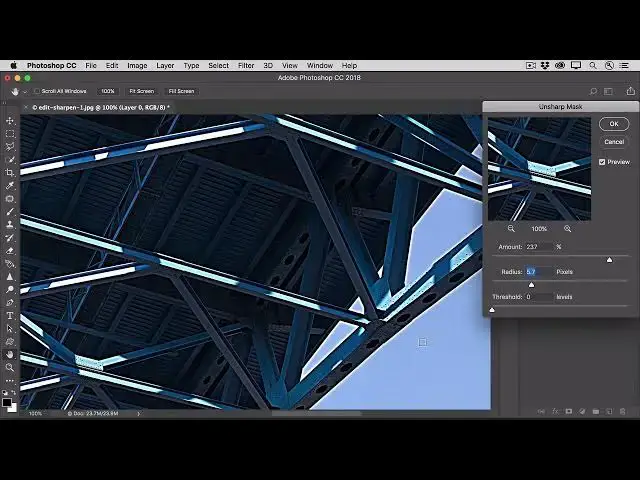

How to Sharpen a photo to bring out detail in photoshop 2022
Aug 31, 2024

In this video we will learn how to Sharpen a photo to bring out detail in photoshop 2022 - www.easy-tutorials.com
What you learned: Sharpen a photo using the Unsharp Mask filter
How sharpening works
Sharpening works by increasing contrast at edges in the image.
Zoom to 100%
Double-click the Zoom tool in the Tools panel to zoom in to 100%, so you can accurately judge sharpness.
Convert for Smart Filters
With the photo layer selected in the Layers panel, go to the Filter menu and choose Convert for Smart Filters, so you can sharpen without permanently changing the photo.
Apply the Unsharp Mask filter
In the Filter menu, choose Sharpen / Unsharp Mask.
In the Unsharp Mask dialog box:
Drag the Amount slider to set the strength of the sharpening effect.
Show More Show Less