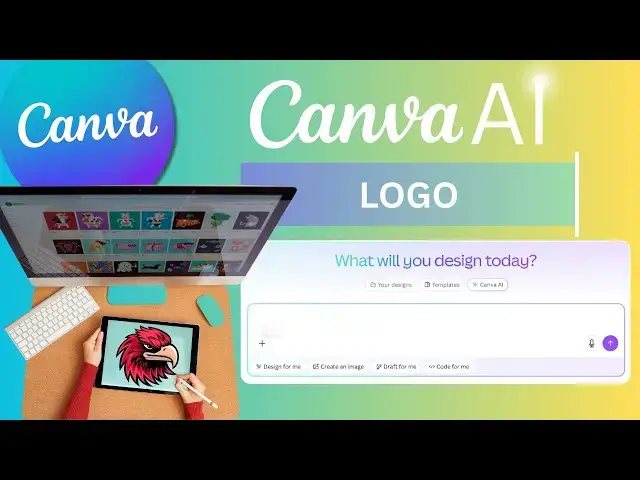

New Canva AI Create Professional Logo with Built In AI
Apr 26, 2025
#canvalogo #canvadesignlogo #createprofessionallogo
Today I’m going to show you how I created a professional-looking logo using Canva’s AI — and honestly, it was way easier than I expected. Just one smart prompt, a quick upload of a reference image, and the AI did most of the work.
If you’re into design or just want a cool logo without spending hours on it, this is going to be super useful. I’ll also share the exact prompt I used, so you can try it out too. Let’s get into it!
💬 Prompt :
"Create a modern, bold logo featuring the head of a fierce eagle inside a shield. The eagle should have a sharp, determined look with a white head, dark feathers, and a strong orange beak. The design should use a clean, minimalistic style with smooth lines, a dark outer border, and a sleek, professional finish. The overall look should convey strength, protection, and confidence, ideal for a sports team or security brand."
🎨 Level up your Canva skills! 🚀 Watch more tutorials here: https://youtube.com/playlist?list=PLPEQNZkdtbvtNmuoizgPrt6WSYdJh3tXs&si=FdCTdGMo10nc5E4j
🔔 Subscribe for more quick & practical Canva tips on Skills Forge Pro !
💬 Drop a comment if you have any questions or want more design tutorials!
Show More Show Less #Design
#Multimedia Software
#Visual Arts & Design Education