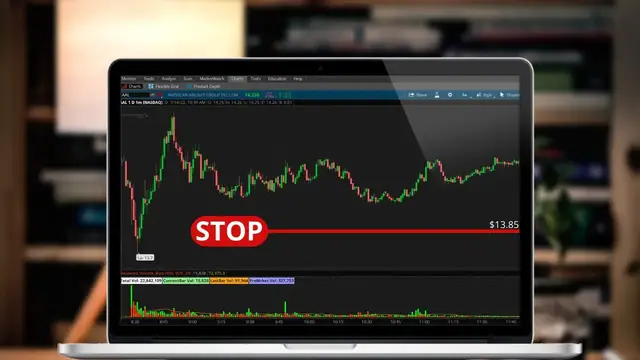

How to Place Stop Loss Orders on ThinkorSwim Desktop
Dec 16, 2022


Today we’ll be doing a full step by step tutorial on how to place stop loss orders within thinkorswim.
We’ll be specifically going through the steps of adding a stop to your current open positions as well as attaching it to a brand new trade that we haven’t even opened yet.
A stop loss order will generally be used as a way to close out an open position if the price moves against us. A stop can also be used to open new positions in the event of a breakout, but you'll mainly use it to limit losses.
Timestamps
0:00 Intro
0:55 Place Stop on Current Position
5:09 Attach Stop to New Trade
7:15 Creating Templates
9:33 Outro
➤My Website: https://shortthestrike.com/
➤ Open a tastyworks account: https://start.tastyworks.com/#/login?referralCode=PKSKCFVD2J
➤ Start Investing with M1 Finance: https://m1finance.8bxp97.net/151KXm
Disclaimer: Some of these links go to one of my websites and some are affiliate links where I'll earn a small commission if you make a purchase at no additional cost to you.
Show More Show Less #Finance
#Finance
#Investing
#Stocks & Bonds