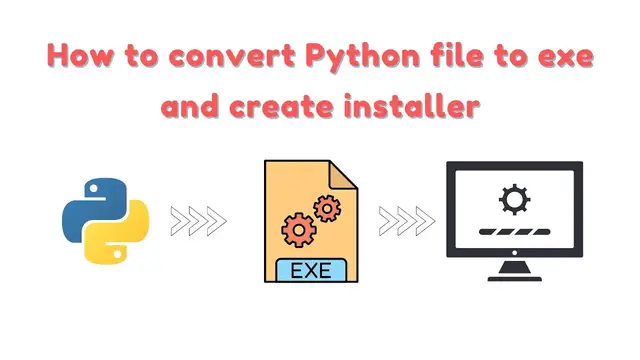

How to convert Python file to exe and create installer? | Python tips | Part 1
Nov 21, 2022

How to convert Python file to exe and create installer?
Hello everyone, in this tutorial we are going to learn how to create an executable in Python, and also an installer for the same executable.
Bitcoin price tracker project link - https://www.usandopy.com/en/tutorial/bitcoin-price-tracker-using-python-python-projects/
for icons - https://icons8.com/icons
Python version 3.8.10 - https://www.python.org/downloads/release/python-3810/
Tap on the links to install the required modules for conversion
pipenv: https://pypi.org/project/pipenv/
auto-py-to-exe : https://pypi.org/project/auto-py-to-exe/
Modules related to Bitcoin Price Tracker
requests: https://pypi.org/project/requests/
Pillow: https://pypi.org/project/Pillow/
Command to create a virtual environment
pipenv shell
to run auto-py-to-exe - just type auto-py-to-exe in the command
Tap on the link for clear instructions: https://www.usandopy.com/blog_en/how-to-convert-python-file-to-exe-and-create-installer
Access several Tutorials, projects with source code and much more by visiting our website, the link is in the bio!
For projects and more: 👇
↗️ link: https://linktr.ee/girlcoder
📌 For English content: 👇
↗️ link: https://linktr.ee/girlcoder
📌For content in Portuguese: 👇
↗️ link: https://www.usandopy.com
#python #pythontips
Show More Show Less #Web Services
#Web Design & Development
#Science
#Technical Reference