
Create a Windows 11 bootable USB drive | Run Windows 10 or 11 from USB
Jul 2, 2024
Easily Boot Windows 11 from USB, fully contained inside a Virtual Hard Disk (VHDx) image file. The following process enables you to take a full installation of Windows with you on a removable external USB flash drive, and then run the Windows Operating System portably at any computer that can boot from USB.
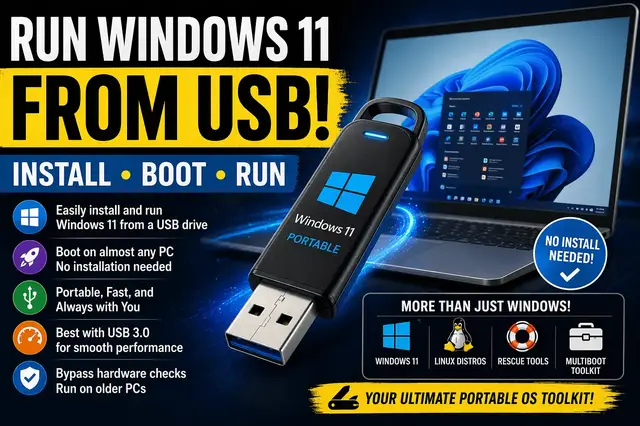
Want to carry your entire Windows 11 system in your pocket? In this tutorial, you will learn how to install, boot, and run a fully portable version of Windows 11 directly from a USB drive. This is not just an installer, it is a complete, runnable operating system you can use on almost any PC.
Using a VHDX based setup, you can bypass many hardware restrictions and create a flexible Windows environment that works even on older machines.
👉 Full written guide: https://pendrivelinux.com/easily-boot-windows-11-from-usb-on-vhdx/
What you will learn:
• How to run Windows 11 entirely from USB
• Create a portable OS using a VHDX file
• Bypass hardware requirements on unsupported PCs
• Boot your personal system on different computers
• Use a fast USB 3.0 drive for best performance
• Build a multiboot USB with Windows, Linux, and tools
This method goes beyond the old Windows To Go feature and gives you a more powerful, flexible solution for portability, recovery, and testing.
What you need:
• USB 3.0 or faster flash drive (recommended)
Show More Show Less #Computers & Electronics
#Software
#Operating Systems