
Reset USB: Restore Capacity and Repair Corrupted Flash Drives
Apr 7, 2026
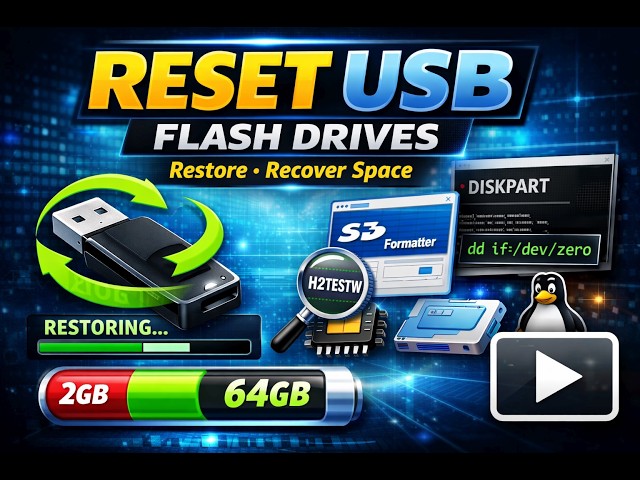
Learn how to reset a USB drive, restore full capacity, and repair corrupted flash drives in this step by step tutorial. If your USB is showing the wrong size, appears damaged, or no longer works after being used as bootable media, this guide will help you fix it.
https://pendrivelinux.com/restoring-your-usb-key-partition/
This video covers multiple methods for Windows, Linux, and macOS, including command line tools like Diskpart and fdisk, as well as easy to use graphical utilities. You will learn how to properly clean, repartition, and format your USB drive so it works like new again.
We also cover how to detect fake or failing USB flash drives using diagnostic tools, and when to use low level wiping techniques for more serious issues.
Topics covered:
• Fix USB showing wrong size or capacity
• Repair corrupted or unreadable flash drives
• Reset USB after creating bootable media
• Use Diskpart on Windows
• Use fdisk on Linux
• Repartition and reformat USB drives
• Check for fake or damaged USB devices
• Low level wipe and restore methods
This guide is perfect for anyone working with bootable USB drives who needs to recover and reuse their flash media.
#resetusb #restoreusb #corruptedusb
Show More Show Less #Computers & Electronics
#Computer Peripherals
#Software Utilities
#Hobbies & Leisure