0:00
If your phone is stuck in safe mode, you
0:02
probably want those annoying
0:03
restrictions gone right now. Because
0:06
right now, your third-party apps are
0:08
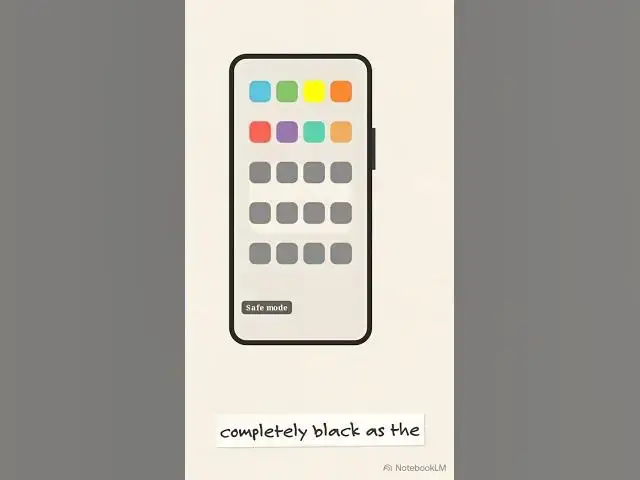
completely grayed out. To escape safe
0:10
mode, look for the physical power button
0:12
on the side. Press and firmly hold that
0:15
button down. The on-screen power menu
0:17
will suddenly pop up. Putting the screen
0:20
to sleep won't work. You need a full
0:22
system reboot. Tap the restart option on
0:24
your screen exactly once. The menu
0:27
changes, asking you to tap restart again
0:30
to confirm. Your screen goes completely
0:32
black as the device powers down. This
0:35
double-tap reboot sequence clears the
0:37
safe mode state from memory. And what
0:39
about those grayed-out third-party apps
0:41
that were locked at the very beginning
0:42
of this process? When the home screen
0:44
loads, the safe mode badge vanishes and
0:47
every app is fully restored and ready to