0:00
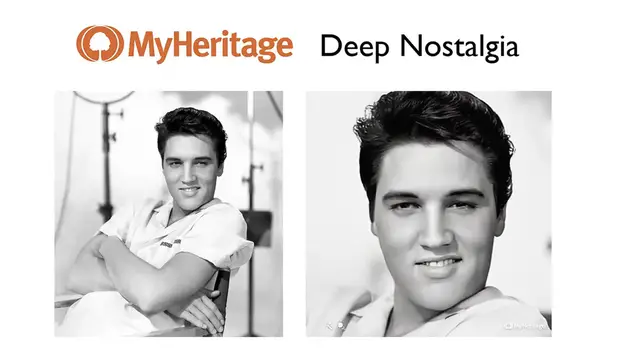
In this video, learn how you can use Deep Nostalgia to take an old photo and animate
0:06
it into a video that looks like this. I'll show you how in seconds, but before I do, consider subscribing to my YouTube channel
0:16
where each week I'll be uploading new videos that I think you'll enjoy
0:20
So thanks for your consideration and now, let's get started. So the website is called MyHeritage and you can find it at myheritage.com slash deep nostalgia
0:31
It's a great way to animate faces of old family members using this crazy new technology
0:38
So all you'll have to do is to find an old photo. I'm going to take this one of Walt Disney and save it
0:45
From here, when you go to the MyHeritage website, just click upload photo and select the photo
0:51
that you want to animate. Now before it allows you to animate, it will ask you to create an account
0:57
It's completely free and only takes a second. Once you sign in, in a few seconds, your photo will start to get animated
1:05
And here we are. There is a picture of Walt Disney kind of moving around, giving us a little smile and
1:10
of course, blinking. Now once this is finished, you can download your photo and you'll receive an MP4 file
1:17
of your video. Now it should be noted that this site doesn't just work with old photos like these black
1:24
and white ones. It can work with any photo, like this one of Justin Bieber
1:30
And it will animate it in the same way. It actually looks pretty cool
1:34
So that's it. The website is called MyHeritage. The process is called Deep Nostalgia and you can animate an old family photo
1:42
So thank you for watching and have a great day. Bye. Bye. Bye