live_tv
Livestream Starting Soon
00
Hours
:
00
Minutes
:
00
Seconds
Up next in 10


How to Add FREE Shipping on Shopify 2024 (Step by Step)
Show More Show Less View Video Transcript
0:00
What is up guys? If you want to add free shipping to your products you are in the
0:04
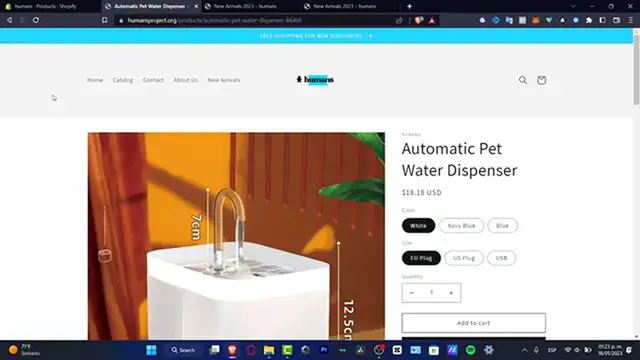
right place. I'm going to be showing you how we can do this. So as you can see here is my actual product as an example. So what I want to do is to add to the
0:12
cart here and I want to see the actual checkout so I don't want to have a lot
0:19
of surprises here speaking about the shipping cost. So for example here is
0:24
this the subtotal, the shipping cost and the estimate taxes. So what I want to do
0:29
is to choose doesn't matter what is the shipping I want to calculate this into
0:34
zero. So for that what you want to do is to go into your Shopify store. In here
0:39
you want to go into settings. So once you are here in settings you want to locate
0:44
the actual shipping and delivery tab which in my case is this one. And here as
0:50
you can see we do have general shipping rates and custom shipping rates. So what
0:55
I want to do is to manage all of my products if I want to do that with all
1:00
my products. So for example here are all my products like this and here is
1:07
the shipping cost. So as you can see the rest of the world the price of the
1:12
actual shipping cost is 380 MXN that means $20. So what I want to do is to
1:18
select these three dots, hitting to delete, hitting to add rate and here into
1:24
the name I'm gonna look for let's say worldwide flat rate and here is the free
1:29
price. Hitting to done and we're actually good to go. And of course here into the
1:34
domestic since I am here in Mexico I want to leave this like that and hit
1:38
into the actual safe. So as you can see here's shipping from I'm gonna leave
1:42
like that and hit into save. If you want to import your prices of the shipping
1:47
cost into the product I can strongly suggest you to do that so you're not
1:51
willing to lose money. So go back here into your products, select here your
1:56
product that you want to offer free shipping. Let's say the shipping cost was
2:00
$3 so I want to add those $3 into this price so I'm not gonna be losing
2:06
money and in here the shipping cost should be free to send. So with that
2:11
being said guys it's really really easy to do that with all of your products or just any specific product. Thank you so much for watching the video. Don't forget to
2:18
like and subscribe guys and well I will see you on the next one
#Mail & Package Delivery
#Computers & Electronics
#Software
#Mass Merchants & Department Stores
#Grocery Delivery Services