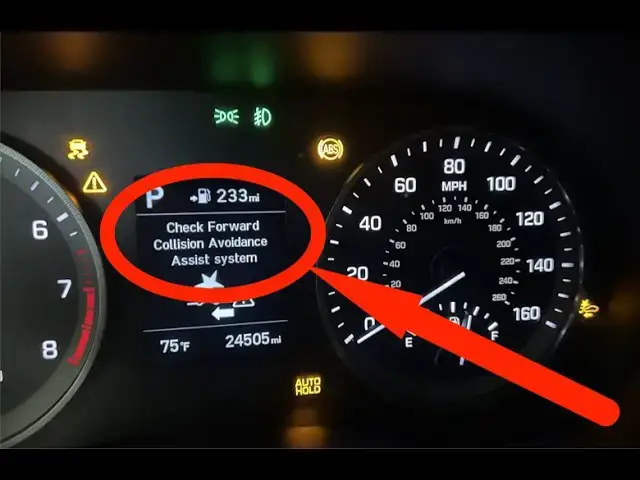

Hyundai Tucson — Fix “Check Forward Collision-Avoidance System” (Fast, Safe, Step-by-Step)
Nov 28, 2025

🔧 Why is that Light On? Stop Guessing! A mechanic charges $100+ just to plug in a computer. Get your own scanner for a fraction of the cost and know exactly what's wrong with your car in seconds.
✅ Best Budget OBD2 Scanner (My #1 Recommendation):
➤ ANCEL AD310: https://amzn.to/4sx9u7g
(Simple, fast, and works on almost every car)
📱 Upgrade to Wireless Professional Scanning:
➤ BlueDriver Bluetooth Pro: https://amzn.to/4pwoq2I
As an Amazon Associate, I earn from qualifying purchases. This helps support the channel!
Facing the “Check Forward Collision-Avoidance System” warning on your Hyundai Tucson? This video walks you through practical, effective steps to diagnose and fix the problem yourself — cleaning the front radar and windshield camera, checking the driver-assist settings, doing a safe restart, and when to get diagnostics or dealer calibration. I explain what usually causes the message, how to clean the sensor areas without damaging them, what to look for after recent bumper or windshield work, and why a dealer calibration or software update may be necessary. Sources include Hyundai’s owner materials and real owner reports so you get steps that actually work. If cleaning and toggling the setting don’t clear the message, use an O.B.D.-capable scanner or visit an authorized dealer for a proper inspection and calibration. Links and references to the owner manual and calibration guidance are in the pinned comment.
Show More Show Less