0:00
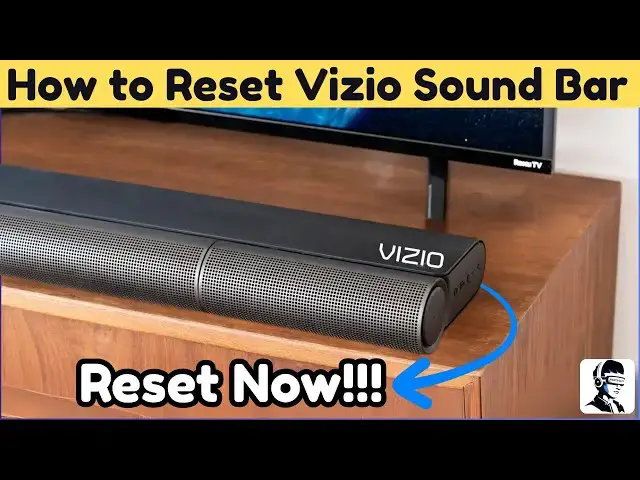
Your Vizio soundbar isn't working. Maybe
0:02
there's no sound, Bluetooth won't
0:04
connect, or it's just frozen. Don't
0:05
worry. Before you think it's broken,
0:07
I'll show you two simple resets that fix
0:09
most problems in minutes. These steps
0:11
work for almost all Vizio soundbar
0:13
models, including Bluetooth 2.1 and 5.1
0:16
systems, and they're completely safe to
0:18
try. Soundbars store small bits of data
0:20
to remember settings and paired devices,
0:22
but sometimes that data gets corrupted,
0:25
maybe after a power surge or a glitch
0:26
during use. A reset clears all of that
0:29
temporary memory, giving your soundbar a
0:31
fresh start and fixing most connection
0:33
or sound issues instantly. Let's start
0:35
with a soft reset. The quickest fix for
0:38
common problems. Turn off your soundbar
0:40
and unplug the power cord from the wall.
0:42
Then press and hold the power button on
0:44
the soundbar for about 30 seconds. This
0:46
drains any static charge inside the
0:48
circuits. It's simple but surprisingly
0:50
effective. Once that's done, plug the
0:52
power cord back in and turn it on. Now
0:54
test the soundbar to see if it's working
0:56
properly. Power cycling like this often
0:59
clears no sound issues, pairing errors,
1:01
and random glitches. If that didn't
1:03
solve it, don't panic. You can try a
1:05
hard reset, which brings your soundbar
1:07
back to factory settings. With the
1:09
soundbar turned on, press and hold the
1:11
volume down and Bluetooth buttons
1:13
together for about 5 seconds. Keep an
1:15
eye on the LED lights. They'll flash
1:17
three times to confirm the reset. When
1:19
that happens, the soundbar will restart
1:21
and all settings will return to default.
1:24
You'll need to reconnect Bluetooth
1:25
devices and readjust your sound
1:27
settings, but this method fixes even the
1:29
most stubborn issues. After the reset,
1:32
it's a good idea to check for firmware
1:34
updates using the Vizio SmartCast app.
1:36
Updates often fix bugs that cause
1:38
Bluetooth lag, sound delay, or random
1:40
disconnections. And if your remote isn't
1:42
working, you can also use the SmartCast
1:44
app to control your soundbar. It gives
1:46
you full access to volume inputs and
1:49
even reset options. If the soundbar
1:51
still isn't responding after both
1:52
resets, try connecting it to a different
1:54
TV or device. This helps confirm if the
1:57
problem is with the soundbar or your
1:59
source device. If this video helped you
2:01
fix your soundbar, give it a thumbs up.
2:03
It tells YouTube this guide worked and
2:05
helps others find it, too. Comment below
2:07
and let me know which step solved your
2:09
issue. It might help someone else. And
2:11
don't forget to subscribe for more
2:12
quick, no fluff tech fixes that actually
2:15
work. Thanks for watching and I'll see