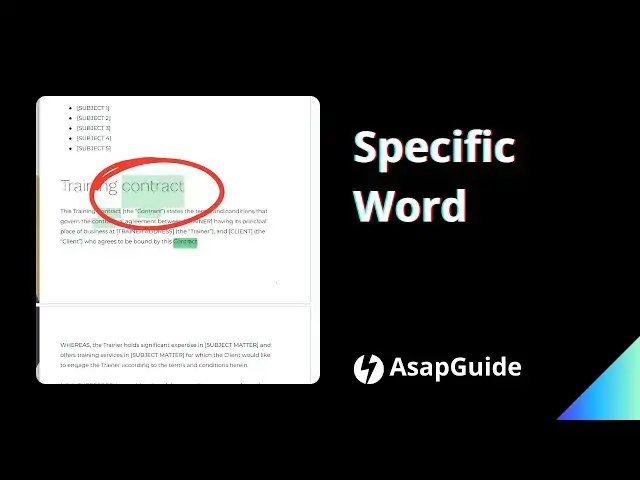

How to Find a Specific Word in Google Docs
Jun 3, 2024

Learn how to quickly find any word in your Google Docs with this simple trick. Just press Ctrl+F (Cmd+F on Mac) and type the word you're looking for. Google Docs will instantly highlight every instance, so you can easily navigate to each one. Perfect for when you need to review a doc for a specific term or phrase. Save time and work smarter with this handy Google Docs search tip!
Subscribe means a lot to me :)
https://www.youtube.com/@asapguide
▬▬▬
OFFERS
► Better pay than Google AdSense
https://geni.us/Ezoic
► The best WordPress hosting that I use
https://geni.us/BestWordPressHosting
▬▬▬
GEARS
► Affordable, yet crisp quality microphone
https://geni.us/KVRt
► Space-efficient boom arm for microphone
https://geni.us/FU6y
▬▬▬
Thank you for your generous support, and for watching the video.
Show More Show Less