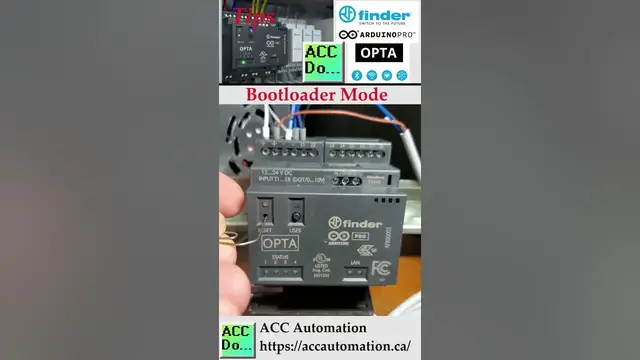

Arduino Opta Bootloader Mode
May 25, 2023

You need to activate bootloader mode to upload code to the Opta using the regular Arduino IDE software. Connect your Arduino Opta IoT PLC to your computer via a USB 'C' cable that can handle both power and data. Simply double-tap the reset button on the Arduino OPTA PLC to activate bootloader mode, indicated by the CPU's pulsing light. You can now proceed to download your program code.
Note: The Arduino IDE and Arduino PLC IDE are different programming software packages. Only the Arduino PLC IDE software will allow the OPTA to run as a PLC.
Download the software from the following URL link.
https://www.arduino.cc/en/software
Arduino Opta IoT PLC Series
https://accautomation.ca/series/arduino-opta-plc/
Arduino Opta PLC - IoT and Industry 4.0 Enabler
Finder OPTA 8A Series - Tutorials
https://opta.findernet.com/en/
Datasheet
https://cdn.findernet.com/app/uploads/S8AEN.pdf
Quickstart Sheet
https://cdn.findernet.com/app/uploads/IB8A04EN.pdf
Arduino Opta Hardware
https://www.arduino.cc/pro/hardware-arduino-opta
Show More Show Less #Programming