0:00
like kind of weird to push if that makes
0:02
sense at least the A button does i don't
0:05
know maybe with use they'll loosen up a
0:07
little bit but I like like my buttons to
0:09
have that spongy feel to them if that
0:11
makes some sense triggers feel good the
0:14
triggers feel good d-pad feels great the
0:17
joysticks feel good themselves but we're
0:19
going to test this sucker out just to
0:23
all right so it feels pretty good
0:26
feels good definitely comfortable in the
0:29
hands which is most important since I
0:30
know a lot of you guys don't like the
0:32
way Joycons feel a lot of you guys think
0:34
JoyCons feel kind of uh crummy
0:38
so it is doing its job which I mean it's
0:41
not hard to mess up a basic controller i
0:44
mean this is about as generic of a
0:46
controller as you can get but it works
0:49
and again you could program the the two
0:51
bottom uh buttons as well also like
0:54
let's say you wanted the one on the
0:56
right on the bottom to be uh the gas
0:58
pedal you can actually do that
1:04
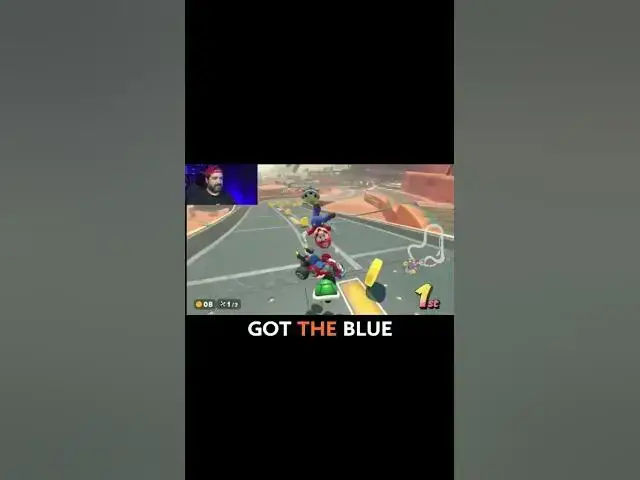
oh we got the blue shell so
1:08
I'm going to take some time out and see
1:10
how do you program the buttons
1:14
so it's saying you hold the P button
1:16
there's a P button on the back to
1:18
program it you hold it three times and
1:21
then everything will flat for three
1:23
seconds everything will flash
1:25
right see how it's flashing and then
1:28
whatever you want to program from the
1:29
back so I want it to go to do gas we're
1:31
going to push A and then we're going to
1:34
push that and then there we go just like
1:38
the A button has been programmed to M2
1:44
and I can still use it for A as well so
1:46
look at that uh look so there you go
1:53
the back button is using the gas and
1:56
that actually feels kind of cool feels a