0:00
uh hello guys welcome to this video so
0:02
in this video I will show you how to
0:04
change your icons to similar to Mac
0:07
operating system so if you are on
0:10
Windows and using vs code if you want
0:13
your icons to appear inside uh so this
0:17
is my default theme right here so if you
0:20
if you want your icons to appear
0:23
uh in a Mac operating system way there
0:26
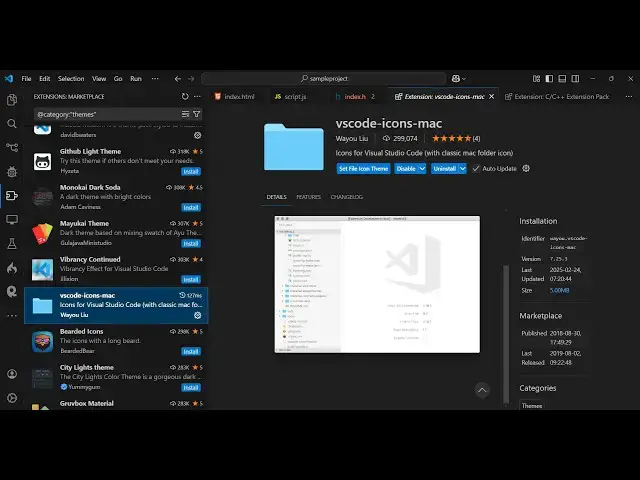
is an extension which you can install it
0:29
vs code icons Mac so just go to the
0:32
extensions tab just search for this
0:35
extension vs code icons Mac just you
0:41
will see that this extension will come
0:43
it's almost got 300,000 weekly downloads
0:47
and simply just click the install button
0:50
to activate this theme and then you will
0:53
see that uh as soon as you activate the
0:57
theme right here it changes to Mac
1:00
operating system so the folder structure
1:03
changes and this is your highlighting
1:06
each file highlighted which file is it
1:09
the icons appearing this is HTML Json
1:14
JavaScript so this is a nice little
1:16
extension which changes your icons
1:19
to Mac operating system so it looks
1:22
something like this you will see that so
1:24
it's looking quite beautiful uh similar
1:27
to Mac operating system so you can use
1:29
use this extension in vs code to make
1:32
your icons appear like mac
1:36
icons so thank you very much guys for
1:39
watching this uh video and also check
1:42
out my website as well free mediat
1:44
tools.com uh which contains thousands of
1:47
tools regarding audio video and image