Up next in 10

Javascript Array at() Method Example to Get Value of Array Element Using Index Number
Jan 9, 2025

Buy the full source code of application here:
Show More Show Less View Video Transcript
0:00
uh Hello friends welcome to this video
0:02
so in this video we will look at a
0:04
JavaScript array method which is called
0:07
as at
0:08
method
0:10
so a and it's a method here of array so
0:15
it allows you to return
0:19
the array index at a particular location
0:22
so let suppose I have a array here of
0:25
names so I
0:28
have four names right
0:31
here John
0:36
Smith so I have these three names this
0:38
is actually a names array we have three
0:41
names right here this is the first index
0:44
which is drawn the second name is Smith
0:46
third is Henry so three elements are
0:49
present in this array so if you want to
0:51
get let's suppose the second value what
0:54
you will say you will simply say
0:57
names and if you want to X is the first
1:01
element you will
1:02
say here zero because indexing start
1:05
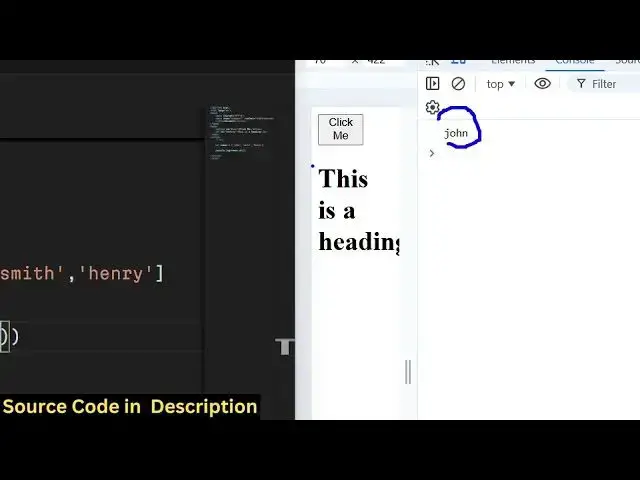
from zero so if you console log it now
1:09
you will see John is printed out this is
1:12
actually the conventional way of getting
1:14
the array value you actually use the
1:16
bracket
1:18
notation uh the array followed by this
1:21
bracket notation and then you provide
1:23
the index number so in zero represents
1:25
this is actual the first element then
1:28
the one two so index indexing start from
1:30
zero this is actual conventional way but
1:33
there is a method which is available
1:35
which actually does the same thing which
1:37
Returns the actual value at that index
1:40
number so the method name is very simple
1:44
which
1:45
is at so you invoke this method on the
1:48
actual array you are working with so we
1:50
are working with this array the names so
1:53
this actually this is actual method at
1:56
and here you it actually expects the
1:59
index number
2:00
you need to provide so by default if you
2:03
don't provide any argument to this
2:06
function it will return the first
2:08
element which which is John here so you
2:10
will see John is printed out the first
2:12
element of the array so now if you want
2:14
to explicitly provide
2:16
the what element you want to return so
2:19
let's suppose I want to return the
2:21
second element so I will simply provide
2:23
here one so the first index number so
2:26
now it will return you this so this is
2:29
zero
2:30
this is one this is two so it will
2:32
return this index here Smith here you
2:34
will see the actual value and now it is
2:37
printed out in the
2:41
console so you can even provide here
2:43
negative number as well if you provide
2:45
negative number it will return you the
2:47
last index which is the last element
2:50
Henry if you see so in this example the
2:53
last element is this
2:57
012 so if you provide here in man
3:00
value it can be anything minus 11 also
3:04
but so apart from minus1 if you provide
3:08
any other negative value let's suppose
3:09
minus 11 undefined will be returned to
3:12
you so if you want to return the last
3:15
element of the array you provide minus
3:17
one so so it automatically Returns the
3:20
last element of the
3:22
array so this is useful in those
3:24
situations if you don't know the length
3:26
of the array so you just provide minus
3:28
one so then it will simply return the
3:30
last element of the array so in this
3:34
way so it's a very simple method which
3:37
returns you the actual value of the
3:39
array at a particular location number
3:43
which is the at method this is actual
3:46
thing it is used for so thank you very
3:49
much for watching this video and do
3:51
check out my website free mediat
3:53
tools.com which is actually a tool-based
3:56
website which contains lots of audio
3:58
video tools
4:00
and I will be seeing you in the next
4:02
video