0:00
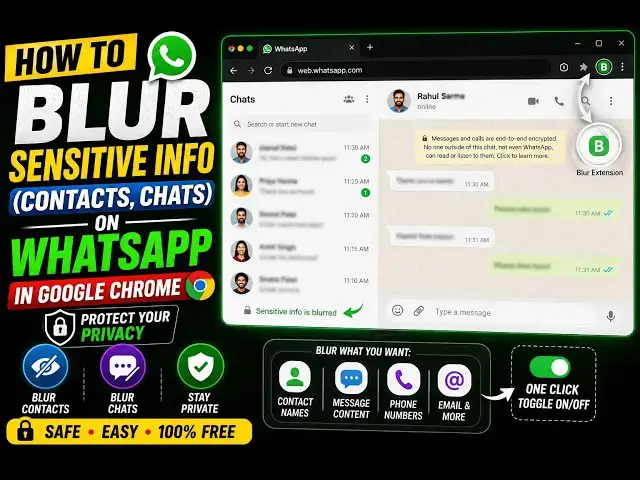
Uh, hello guys. In this video, I'll show
0:03
popular WhatsApp web extension, Chrome
0:06
extension, which allows you to blur out
0:08
all your WhatsApp messages
0:10
whenever you hover onto them, then only
0:12
it will reveal. So, it's actually a very
0:15
good privacy extension for your
0:17
WhatsApp. If you're recording a video,
0:19
if you're screen sharing is your screen
0:22
with the anyone, you can actually use
0:24
this Chrome extension to actually reveal
0:26
messages only when you hover onto them.
0:28
Something like this. So, all your
0:30
WhatsApp group messages will be blurred
0:33
automatically. So, nobody can see them
0:35
while you're recording your screen or
0:37
actually video calling with someone.
0:40
So, it's a very useful extension, guys,
0:43
So, let me show you the extension.
0:45
So, if you go to Google Chrome, simply
0:47
search for this extension, privacy
0:48
extension for WhatsApp web. It's got
0:51
almost 1 million installs.
0:54
So, many people use this extension. It's
0:56
very popular. Simply search privacy
0:58
extension for WhatsApp web. The very
1:01
first extension which comes, this is
1:03
one. It hides your hides your messages
1:05
until you hover over them. So, it
1:07
basically blur all your messages.
1:10
So, simply click the add to Chrome
1:11
button. I've already installed it. So,
1:14
after installation, the icon will appear
1:16
something like this. You simply activate
1:18
this. This is a completely free
1:22
And once you activate this, simply go to
1:25
WhatsApp web, simply open your WhatsApp
1:27
web inside the browser,
1:31
And by default, all your messages will
1:34
be blurred out by default.
1:36
So, once you refresh the page, so you
1:38
will see that it applies to all groups,
1:41
individual chats, everything. So, by
1:43
default, all the match messages are
1:45
blurred. So, once you open the group
1:48
then also the messages will be blurred.
1:51
So, nobody can see them. And only when
1:53
when you hover onto the messages, then
1:56
only will will they show.
1:58
So, I think it's a very good extension.
2:00
I personally use it a lot because I
2:02
record videos. So, in that scenario, I
2:05
do need to preserve the privacy. So, in
2:08
those cases, this extension works like a
2:11
So, definitely install it if you are
2:13
working on WhatsApp on a daily basis,
2:16
this extension will be a very good
2:19
protect your messages from revealing.
2:23
So, once you hover onto them, then only
2:25
they will show. You will see. And once
2:27
again, you place your mouse away, then
2:29
again it will be blurred.
2:31
So, definitely install this privacy
2:35
extension for WhatsApp Web.