0:03
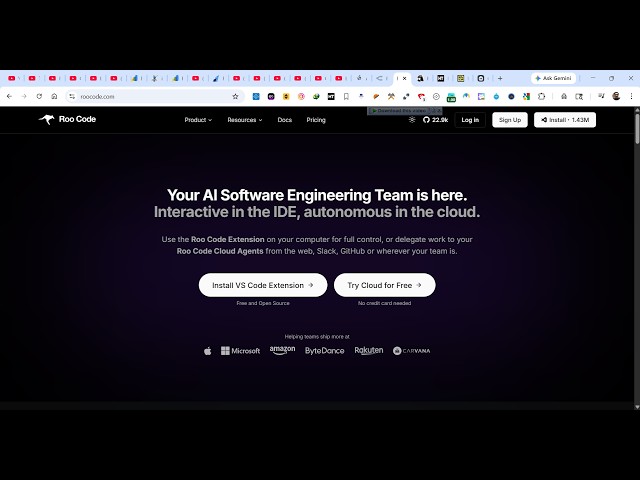
Uh hello guys. In this video, I'll show
0:06
open source AI code builder for building
0:09
full stack coding applications
0:12
in your VS code. So, the extension is
0:14
Roop code. If you simply type on Google,
0:18
the very first extension which comes
0:21
>> So, it's a AI code builder.
0:23
You can try this online or you can
0:27
uh VS code extension. So, let me show
0:29
you the both the approaches.
0:33
first of all, you need to log in with
0:40
it also have this VS code extension as
0:43
well. So, if you simply just install
0:47
it's almost used by almost 1 million
0:50
developers. So, click on install to
0:52
actually install this VS code extension.
1:06
So, once the extension get installed, it
1:09
will appear right here
1:11
like this Roop code. So, simply activate
1:29
it's completely free and open source.
1:46
So, once you get started inside your VS
1:52
you click on move code architect. All
1:55
these modes are available.
1:59
you go to the settings option
2:08
select which provider you are using. So,
2:11
by default, it's set to default and you
2:14
select your open router.
2:16
All the providers are available. Gemini,
2:18
Deep Seek, Anthropic.
2:20
So, you can integrate with any model.
2:24
All the major AI models. So, if you're
2:27
using Claude, you simply paste the API
2:31
And from here, you select Google Gemini.
2:35
And from here, you simply paste the API
2:37
key. All the models are there. You can
2:39
integrate with all the models. You're
2:41
using this extension.
2:43
So, once you are happy with one, you
2:45
click on save and simply type
2:48
what sort of application you want to
2:50
generate. So, I will say build image to
3:05
So, you send out the request and then
3:08
now the this extension will start
3:17
If some model is not working, you can
3:19
start with a different model.
3:58
integrate this Roop code extension. It's
4:01
pretty very popular extension for
4:14
So, you can even try this online as
4:16
well. Simply log in with your Google
4:27
Can connect your GitHub account as well
4:34
So, it's a cloud-based editor as well.
4:36
You can also try this online as well.