Up next in 10

Imagemagick Command to Create Animated GIF Slideshow From Multiple Images in Terminal
Jun 3, 2025

Buy the full source code of application here:
Show More Show Less View Video Transcript
0:00
uh hello guys welcome to this video so
0:02
in this video I will show you how to
0:04
create a slideshow from a multiple
0:07
images inside your terminal so we have
0:11
five images you will see 1 2 3 4 5 if
0:15
you want to create a GIF animation from
0:17
these five images slideshow you can
0:19
actually use a tool which is an
0:23
open-source library which is image magic
0:26
it's available for Linux Mac and Windows
0:29
just go to their official website and
0:31
download their CLI i've already
0:34
downloaded this so once you download
0:36
this come to your terminal and just
0:38
execute this command so we simply access
0:40
image magic by magic and then we specify
0:44
the delay how much delay each image
0:47
should appear in the GIF animation so I
0:49
will simply set this delay to be
0:52
200 millisecond and then you can specify
0:56
if you want to loop the GIF animation so
0:59
I will say yeah I need to loop through
1:02
so just put the value zero and after
1:05
that here you specify the image path so
1:08
we have 1 jpg 2 dot jpg we have five
1:13
images so we are simply providing all
1:15
these images one by one so you will see
1:20
one jpg it can be png images as well so
1:23
we specify one by one after that we
1:26
specify the output gif file which is
1:30
output dot gif so very simple command
1:33
you take the images you put the delay
1:35
and loop through if you enter it you
1:38
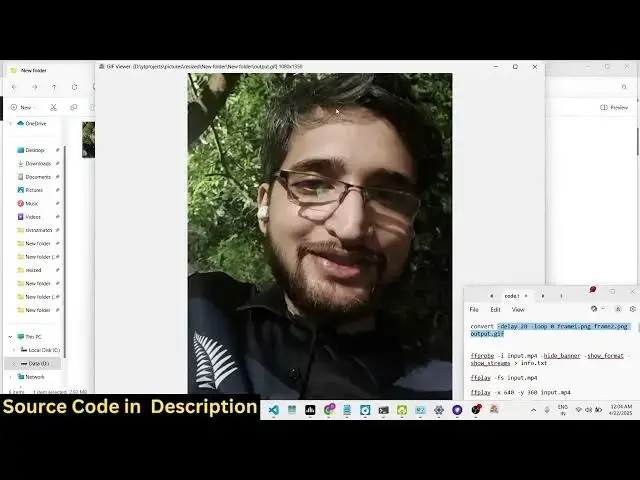
will see it will create this uh gif
1:41
animation
1:42
output.gif if you try to open this you
1:45
will see each image will stay for 200
1:48
millisecond and you actually created the
1:51
slideshow from a series of images it
1:54
will repeat as you can
1:58
see so in this easy way guys you can
2:01
create a slideshow from a series of
2:04
images very easily inside your terminal
2:07
using this library image magic it's
2:10
completely free opensource and very easy
2:12
to use and you can execute and create
2:16
this GIF animation very simply so we
2:19
have these five images we created this
2:21
GIF animation each image appears for 200
2:25
millisecond so thank you very much guys
2:28
for watching this video definitely use
2:30
this library image magic it's a very
2:33
popular image processing library and
2:35
also check out my website
2:38
freemediattools.com which contains
2:40
thousands of tools
#Online Media
#Multimedia Software
#Online Goodies
#Clip Art & Animated GIFs
#Animated Films