Up next in 10

How to Import Google Fonts Directly in Visual Studio Code Using CDN & Script Links
Jul 12, 2025

Get the full source code of application here:
Show More Show Less View Video Transcript
0:00
Uh hello guys, welcome to this video. So
0:02
in this video, I'll show you a VS code
0:04
extension which allows you to
0:06
automatically import Google phones
0:08
inside your
0:10
source code files, the CDN tag of any
0:13
Google phone. So this is the extension.
0:15
Go to the extension tab and just try
0:17
Google phones and this extension will
0:20
come right here. Uh it's got almost
0:22
330,000 installs. So simply install this
0:26
extension and after installing it you go
0:28
to your HTML file and right here you
0:31
open the command pallet and simply type
0:34
here import
0:37
Google phones and you will get this
0:38
option right here Google fonts insert
0:42
CSS at the rate import. So if you just
0:44
enter it, you will see this drop-own
0:47
list of all the Google fonts that it
0:50
supports. And from here you can easily
0:53
search for your favorite Google font.
0:55
And as soon as you search, you can even
0:58
search here. Simply type the name here
1:02
and it will automatically
1:05
give you the name. And after just to
1:08
select this, simply press the enter key.
1:10
After pressing the enter key, it will
1:12
automatically import this import line,
1:16
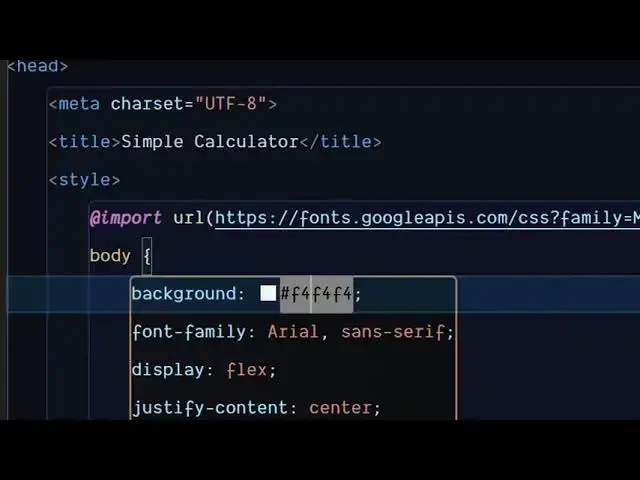
it will add this import line
1:18
automatically. So in this easy way, you
1:21
can import any Google phone directly
1:22
inside VS code. Just open command
1:25
pallet. You can even go to the view
1:27
option view command pallet and simply
1:30
select
1:31
whichever Google phone that you want to
1:33
include here and from the drop-down you
1:36
can select here.
1:38
So just enter it and then automatically
1:40
once again it will add this import
1:42
statement.
1:47
So it's a straightforward extension.
1:49
Simply install and activate this and
1:52
start using it. It will save you a lot
1:54
of time here. So
1:58
you can use it with your CSS files, HTML
2:01
files here. It's supported
2:04
and it's free and you can use it
2:07
unlimited number of times. So also check
2:09
out my website which is
2:10
freemediatools.com
2:12
uh which contains thousands of tools.
#Software
#Internet Software