Up next in 10

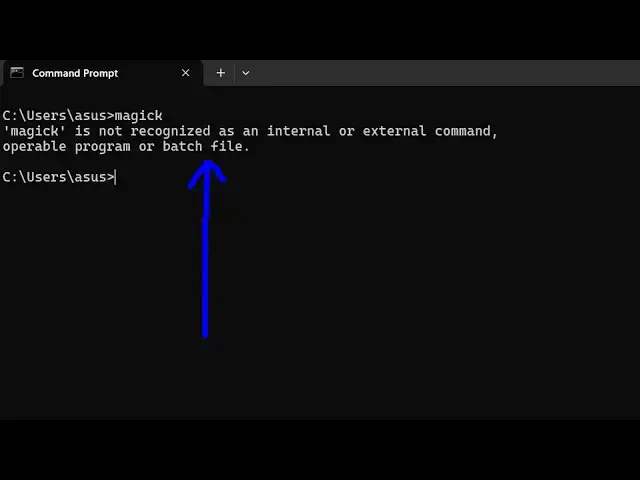
How to fix magick is not recognized as an internal and external Command Error in Terminal
Jun 7, 2025

Buy the full source code of application here:
Show More Show Less View Video Transcript
0:01
uh hello guys welcome to this video uh
0:03
so in this video I will show you if you
0:06
are getting this error message if you
0:09
type magic and in the terminal if you're
0:11
getting this error message magic is not
0:14
recognized as an internal or external
0:17
command uh this is actually the image
0:20
magic Library which is an open-source
0:23
image processing library for converting
0:25
images from one format to another so for
0:29
this you should have image magic
0:31
installed to fix this error message so
0:34
just go to image magic website if you
0:37
haven't installed it if you haven't
0:39
downloaded this just download this
0:43
tool so this will come with this exe
0:46
file right I've already installed it but
0:49
still I'm getting this error so by
0:51
default image magic is stored inside
0:54
your C drive just go to the C drive open
0:58
your program files
1:02
folder and inside this folder you will
1:06
have this folder image Magic by default
1:08
it will create this
1:12
folder just open this folder and
1:15
uh right click copy this location right
1:19
here just need to copy this location and
1:24
uh now just open your environment
1:26
variable and uh go go to the system
1:32
variable and just select right here path
1:35
and just paste this
1:40
location and just restart the terminal
1:43
after making this change and just typing
1:45
here
1:48
magic so you will see the image magic
1:50
Library will perfectly work from the
1:53
terminal so in this easy way you can do
1:55
this uh thank you very much for watching
1:57
this video and all also check out my
2:00
website free mediat tools.com uh which
2:04
contains thousands of tools regarding
2:06
audio video and image
#Software
#Software Utilities